Changelog
v0.2.1 2026-11-19 Zoom on covers, a double tap to Vibe, and notifications that reach you
Added
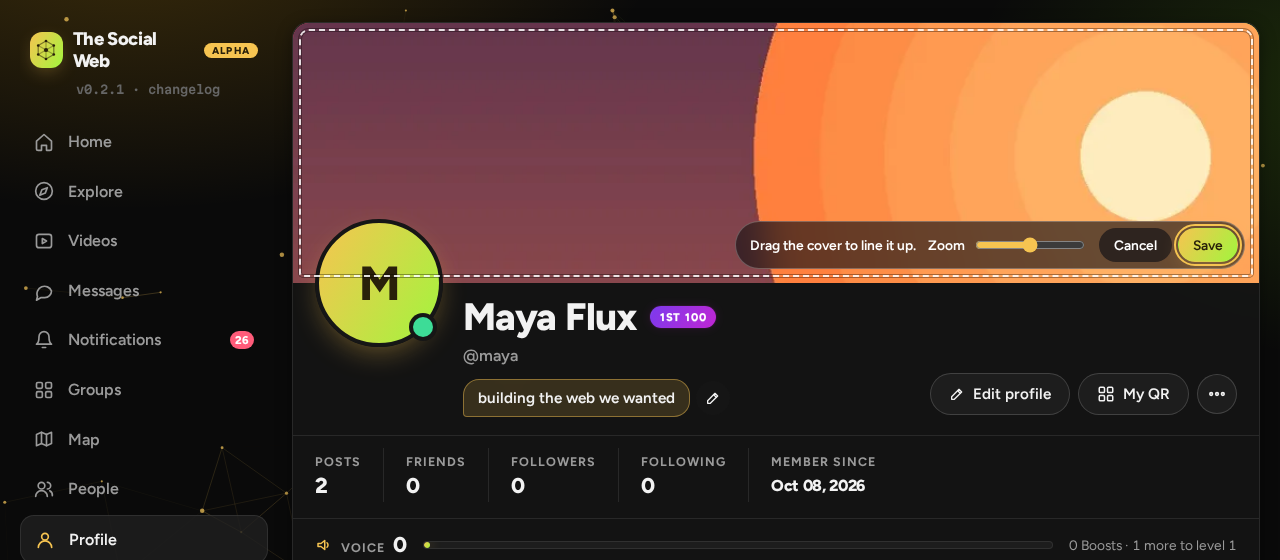
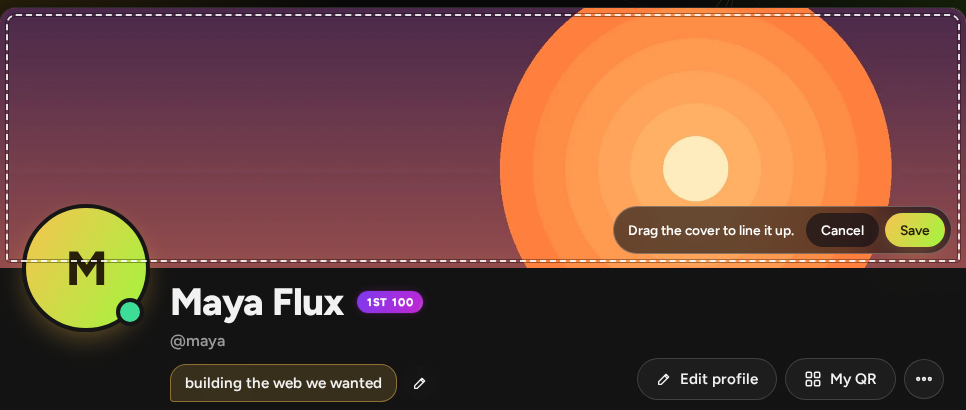
- Zoom in on your cover. Reposition on your profile now has a zoom slider in its bar. Zoom in, drag the part you want into view, and press Save. Pinching with two fingers, the mouse wheel and the + and - keys zoom as well. A cover can be zoomed up to three times its size, and its edges never show.
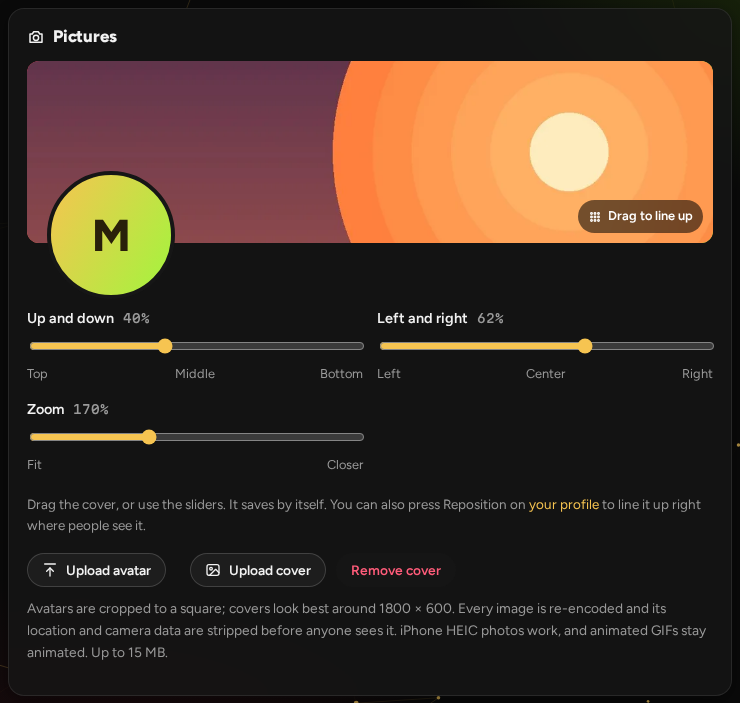
- A zoom slider in Settings too. Settings → Profile → Pictures has a third slider, Zoom, beside the two that move the cover, and the preview follows it. Group and page covers get the same slider and the same zoom in Reposition for their owner and admins.
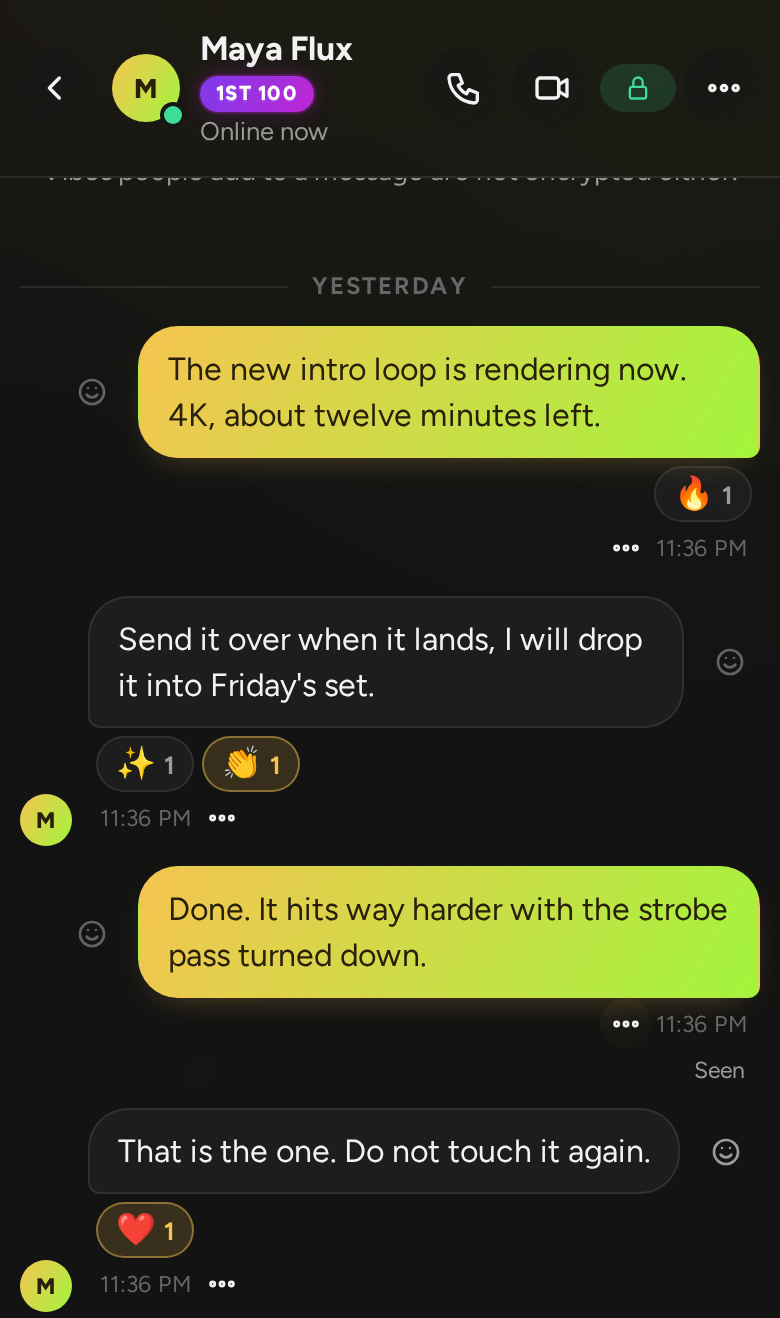
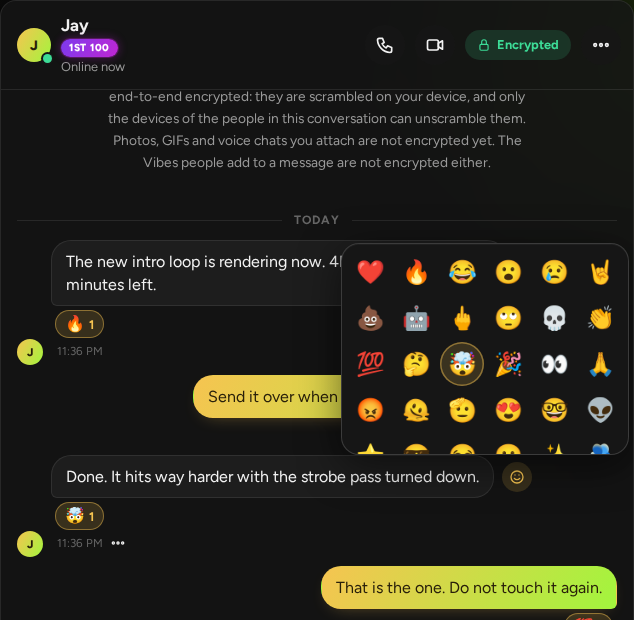
- Double tap a message to send a heart. Tap a message twice, or double click it, and it gets the first Vibe on the list. Do it again to take the heart back. The smiley beside the message still opens all 30.
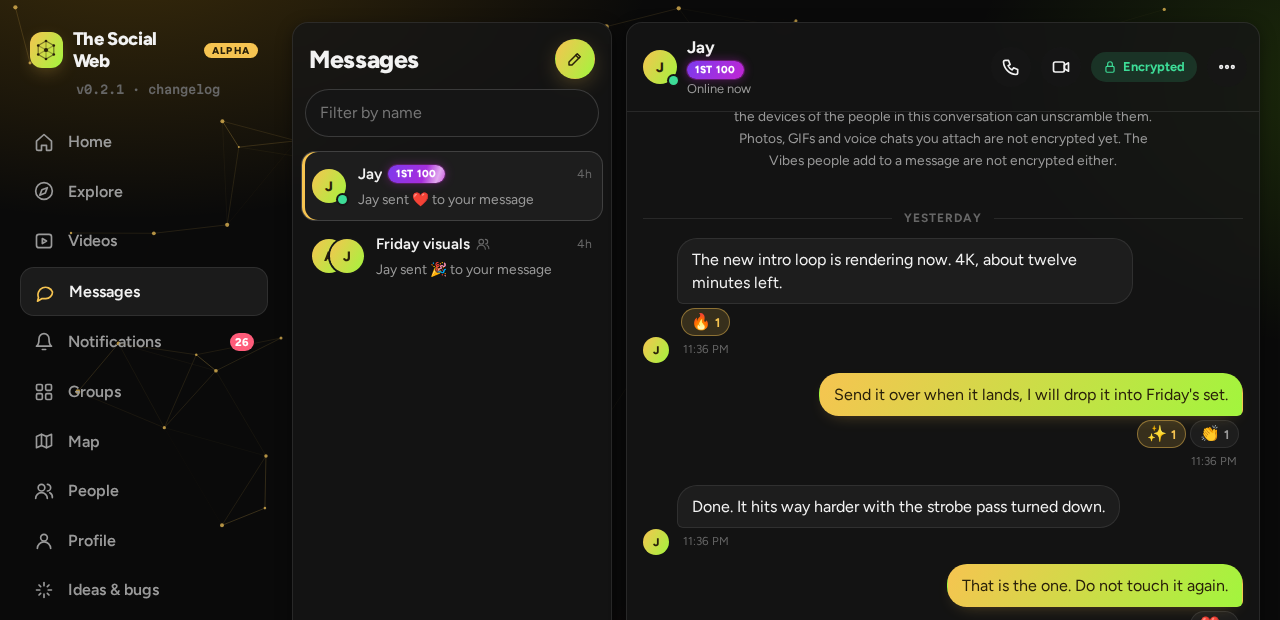
- Vibes show in your chat list. When the newest thing in a conversation is a Vibe, the list says so, for example "Jay sent 🔥 to your message". The conversation keeps its place and does not count as unread. A member who keeps their name off the "who vibed" lists is not named here either.
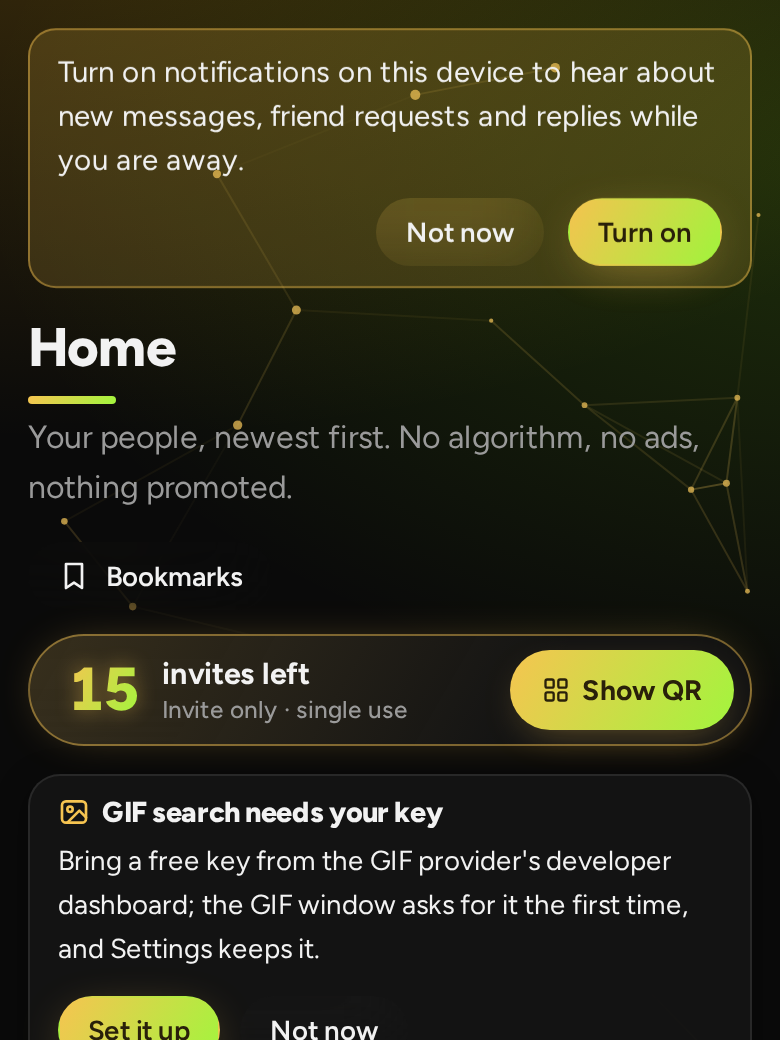
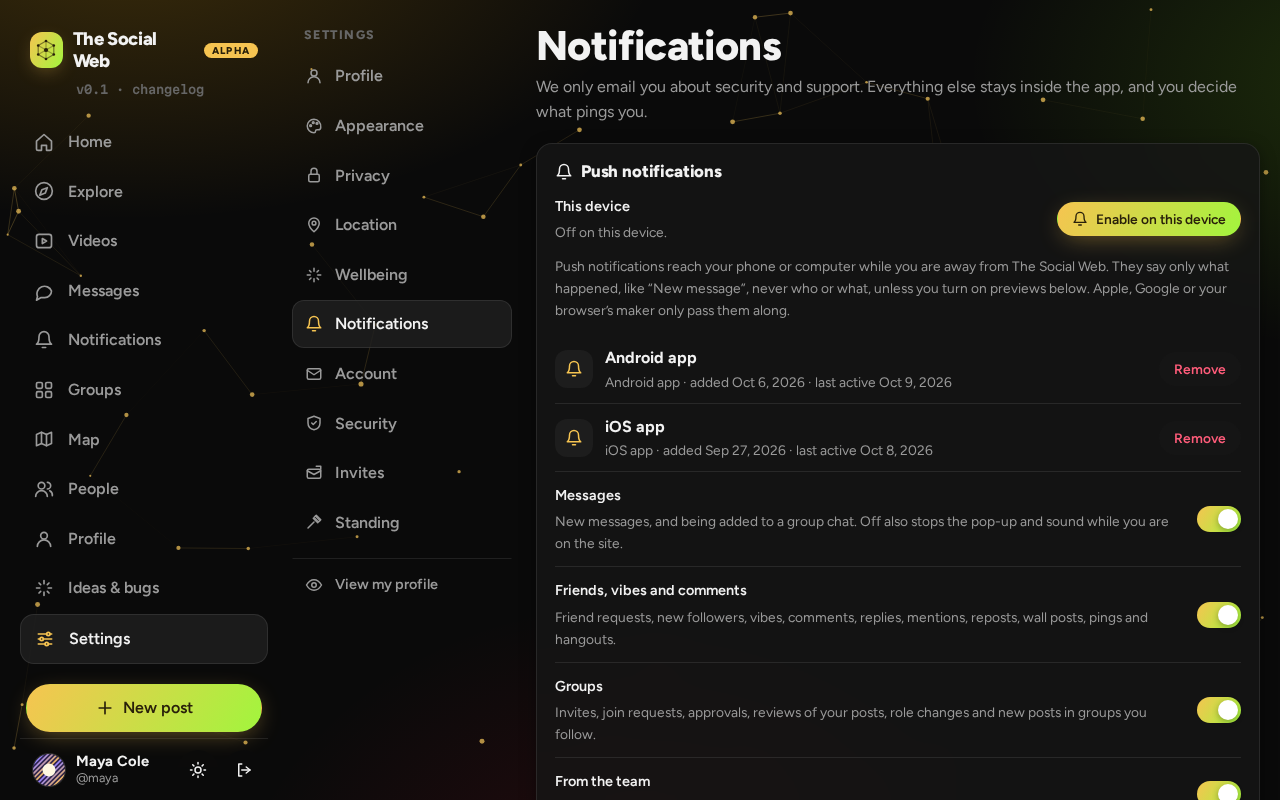
- An offer to turn on notifications. Notifications are switched on one device at a time, and until now only the welcome tour and Settings → Notifications ever asked. A second phone, a reinstalled app or a browser was never asked and stayed silent. Each device now offers once: press Turn on, or Not now. Nothing is registered unless you say yes, and Settings → Notifications still has the switch.
Fixed
- Notifications reach your phone while a tab is open somewhere else. A page left open in a background tab, or on a computer nobody was sitting at, could make us think you were looking at the site, so nothing was sent to your phone. A page now only counts while it is in view and in use: hidden, in the background, or untouched for five minutes, it no longer holds your notifications back.
- A cover follows your finger at any zoom. Dragging a cover keeps the picture exactly under the pointer while it moves, and settles on the nearest whole step when you save.
Changed
- The Reposition bar is one row on phones, so it covers less of the cover while you line it up.
- The Privacy Policy, the Terms and the pages that share their date now show November 19, 2026. The Privacy Policy says that the Vibes on a message are stored like who sent it and when (not end-to-end encrypted, as announced in v0.2.0), that photo tags link a photo to a profile (v0.1.9), how we tell whether you are looking at the site before we send a notification, and that each device offers notifications once. The Cookie Notice lists the one item that remembers the offer was made.
v0.2.0 2026-11-18 Vibes on messages, and covers you can line up
Added
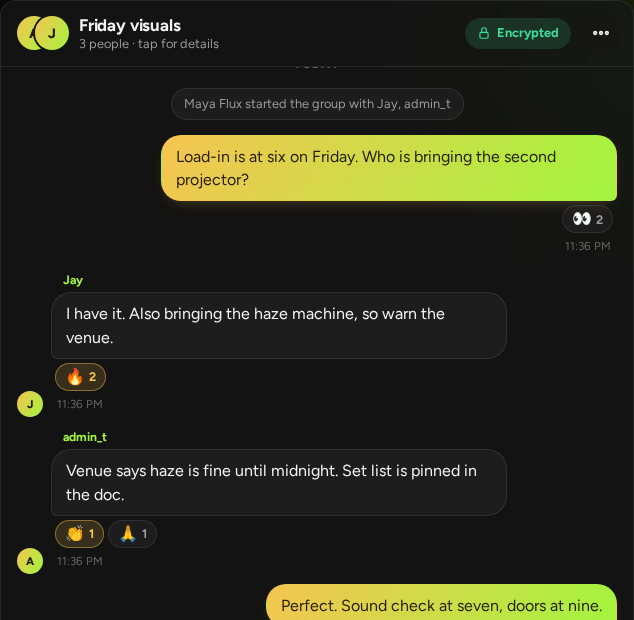
- Vibes on messages. Every message in a conversation takes a Vibe now, the same 30 you use on posts and comments. Press the smiley beside a message and pick one. You get one Vibe per message: picking another swaps it, and picking the same one again takes it back. It works in direct messages and in group chats, on your own messages too, and in the website and the apps alike.
- Join in with one press. The Vibes sit under the message with a count. Press one that is already there to add yours to it, and press yours again to take it back. Everyone in the conversation sees it happen live.
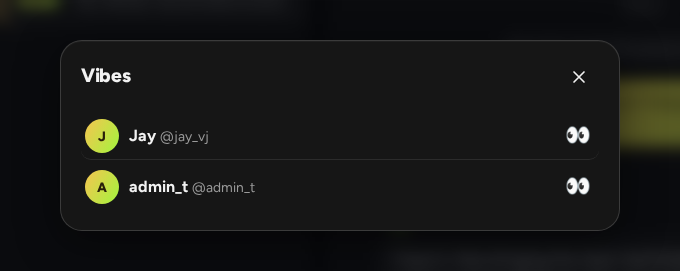
- See who vibed. The message's menu has a new line, See who vibed, with the people and what they picked. Only the people in the conversation ever see it, and the "Show my name when people look at who vibed" switch under Settings → Privacy applies here as well.
- Told when it matters. If you are away when someone adds a Vibe to your message, you get a notification that opens the conversation. A conversation you muted and a member you muted stay quiet. Which Vibe you picked is stored the way we store who sent a message and when; the words of your messages stay end-to-end encrypted, exactly as before.
- Reposition your cover right on your profile. Your own profile has a Reposition button on the cover. Press it, drag the picture where you want it, and press Save. What you see while you drag is exactly what everyone gets.
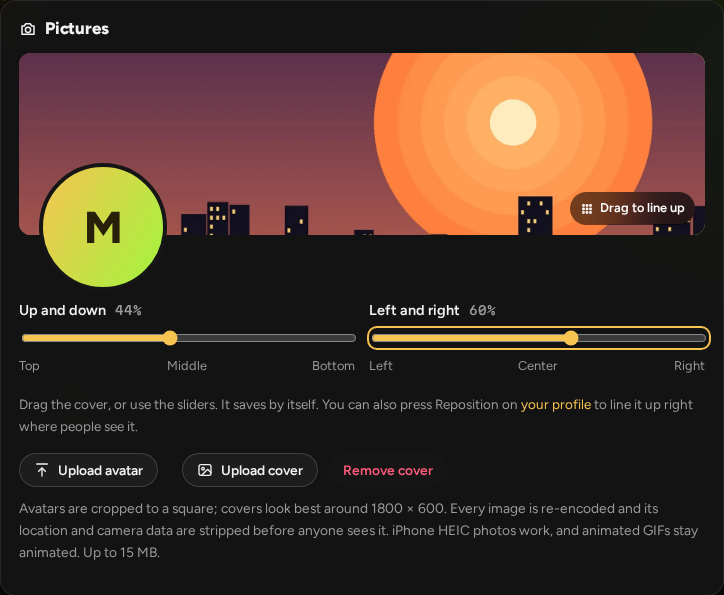
- Left and right, not only up and down. A cover can now be moved sideways as well, which matters most on phones, where the frame is narrower than the picture. Settings → Profile → Pictures has a second slider for it, and the preview there drags in every direction.
- Line it up straight after an upload. When you upload a new cover you land on the preview, ready to drag it into place.
- Group and page covers line up too. The owner and admins of a group or a page get the same Reposition button on its cover, and the same preview and sliders in its settings.
Changed
- The cover follows your finger exactly. Dragging a cover used to move it faster than the pointer on tall pictures. It now tracks one to one, and the arrow keys nudge it a step at a time while you reposition.
v0.1.9 2026-11-03 Mentions, photo tags and 360° photos and videos
Added
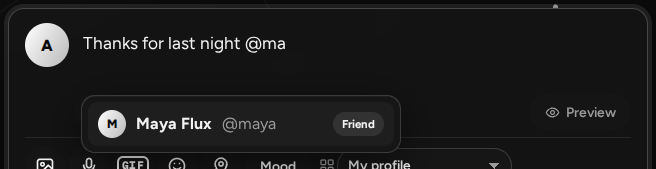
- An @ picker in every box. Type @ in a post, a comment, a chat, a bio or a group description and a list of members opens under the box: your friends first, then everyone who matches what you type. Move with the arrow keys, pick with Enter or Tab (or tap), close with Esc. A bare @ lists your newest friends. Posts and comments now show a mention as the member's name, not their username; the link and the notification are the same.
- A Mentions tab on Notifications. Switch from All to Mentions to see only the times someone mentioned you.
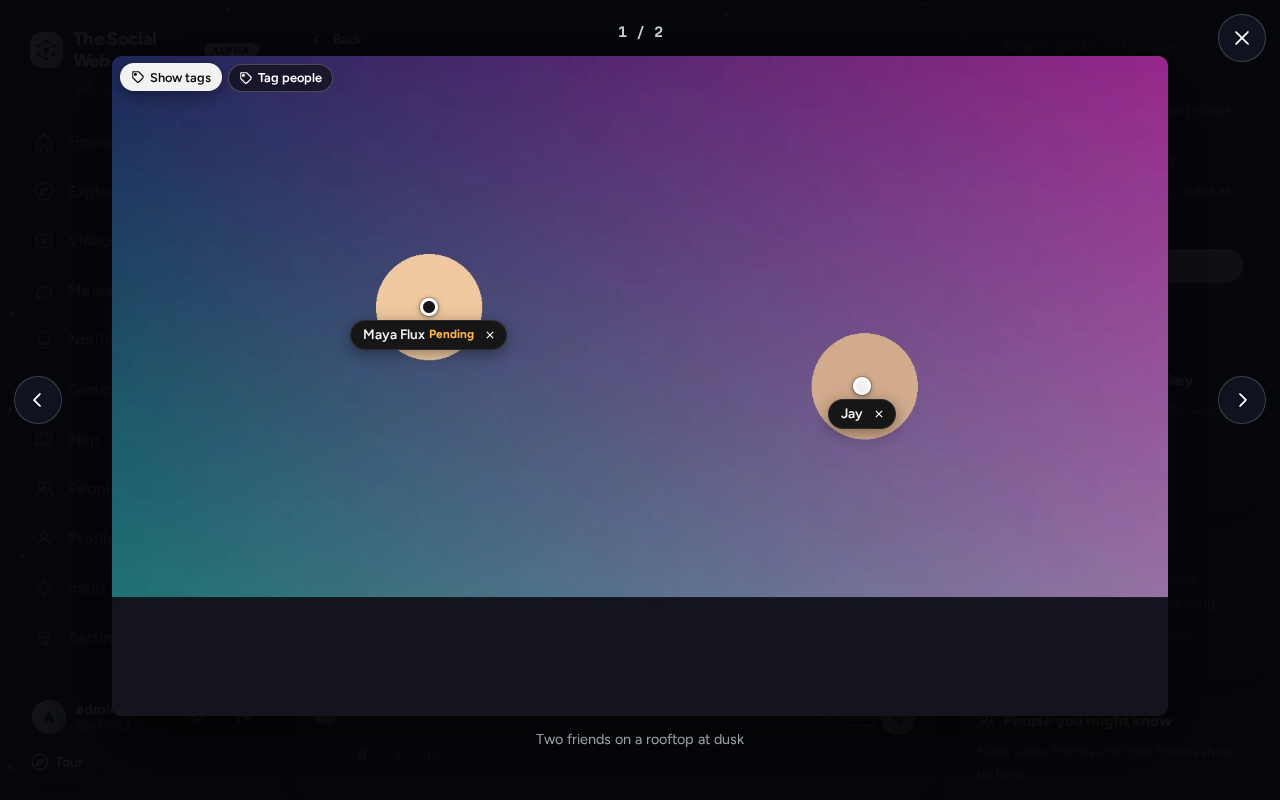
- Photo tags. The author of a post can tag members in its photos, from the post box (Tag people under each preview) or later from the photo itself: open it, press Tag people, tap the spot, pick the member. A tag shows as a name over the picture, and the post gets a "Tagged:" line with links to the profiles. Up to 20 people per photo. The tagged member is notified.
- You decide who tags you. Settings → Privacy has three new rows: who can tag you in photos (friends by default; anyone or nobody), review tags before they show (on by default: a new tag of you is seen only by you and the person who made it until you press Approve), and who sees your Photos of you tab. You can remove a tag of you any time, from the photo, the post or the notification; the author can remove any tag on their own photo. Tags never show to someone who cannot see the post, and blocking someone removes the tags between you.
- Photos of you. A new tab on your profile gathers the photos you are tagged in, each still shown only to people who can see its post. Friends see it by default; you can open it to any member or keep it to yourself. Your own view marks tags still waiting for your approval. Your data download lists the tags you made and the tags of you.
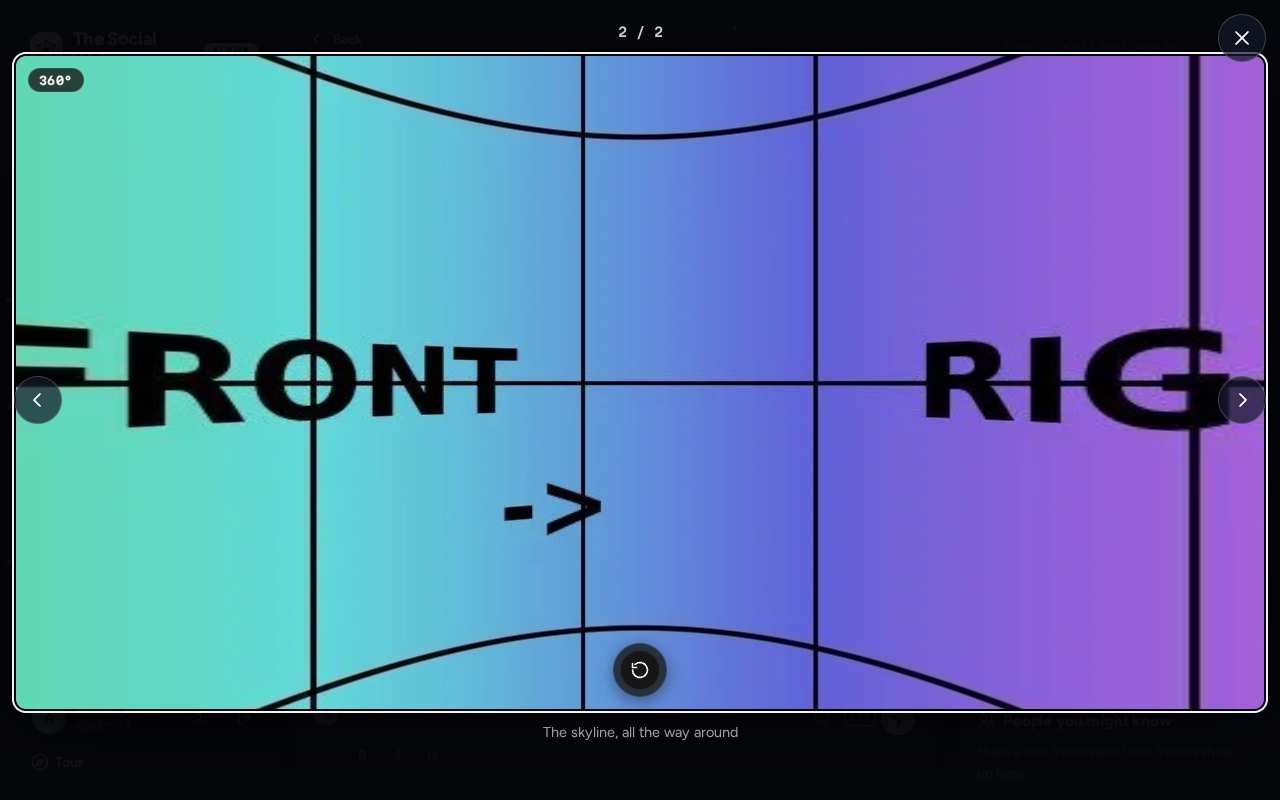
- 360° photos and videos. A photo or video shot in 360° (the file says so) opens in a viewer you can look around in: drag, swipe, scroll or pinch to zoom, or press Motion to steer with your phone. A 360° video has its own play bar. The post shows the flat picture with a 360° badge until you open it. If a file is not recognized, switch on 360° under its preview in the post box. It works in the website and in the apps, with no update needed. Under Reduce motion the photo does not drift by itself, and a browser that cannot draw 360° shows the flat picture.
Changed
- Short usernames. A username can now be one or two characters, such as @x or @tb (it still needs a letter or an underscore, and stays up to 24 characters). Mentions of short usernames link and notify like any other.
Fixed
- Link cards for heavy pages. A link to a page that keeps its title and picture far down its HTML, such as a Google Play listing, got no card. The server now reads a page to the end of its head (up to 2 MB, where it used to stop at 1 MB) and no further, so most pages are read in a few kilobytes.
v0.1.8 2026-10-28 Voice rants, voice responses and GIFs on comments
Added
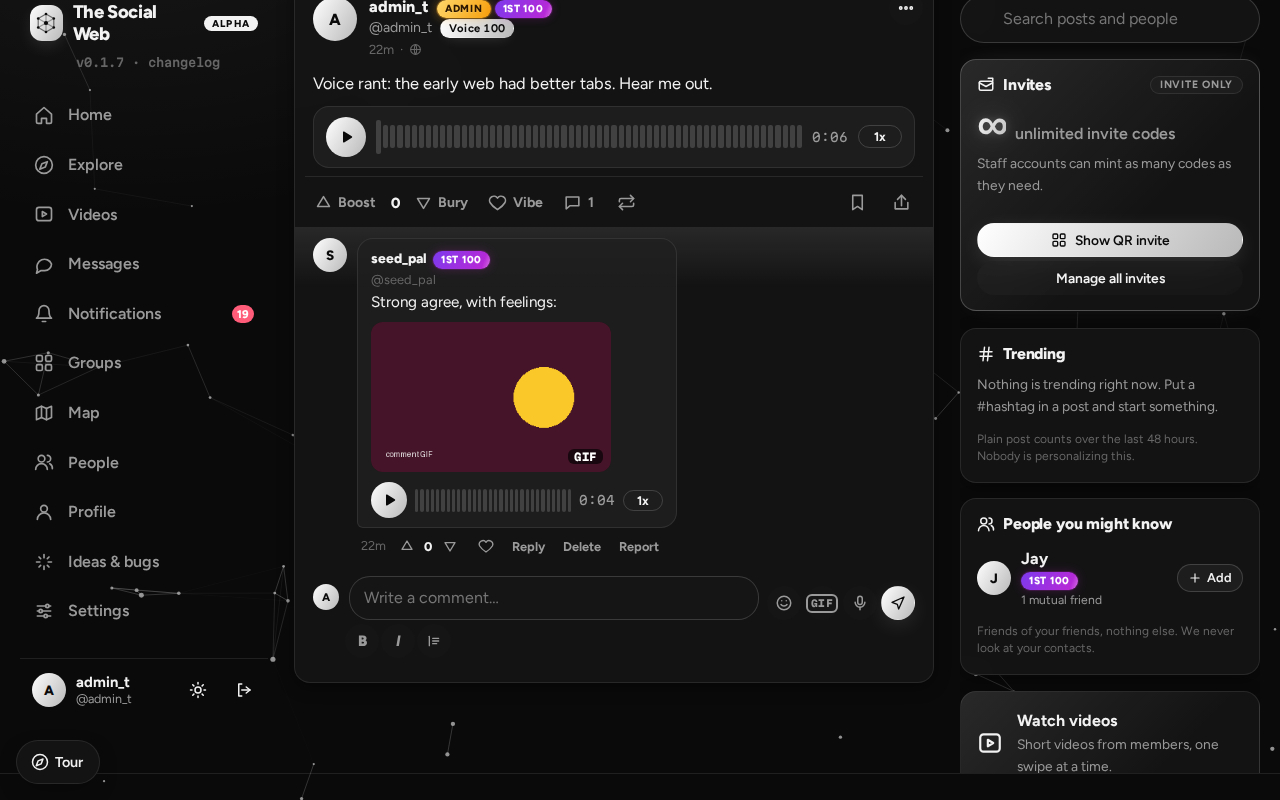
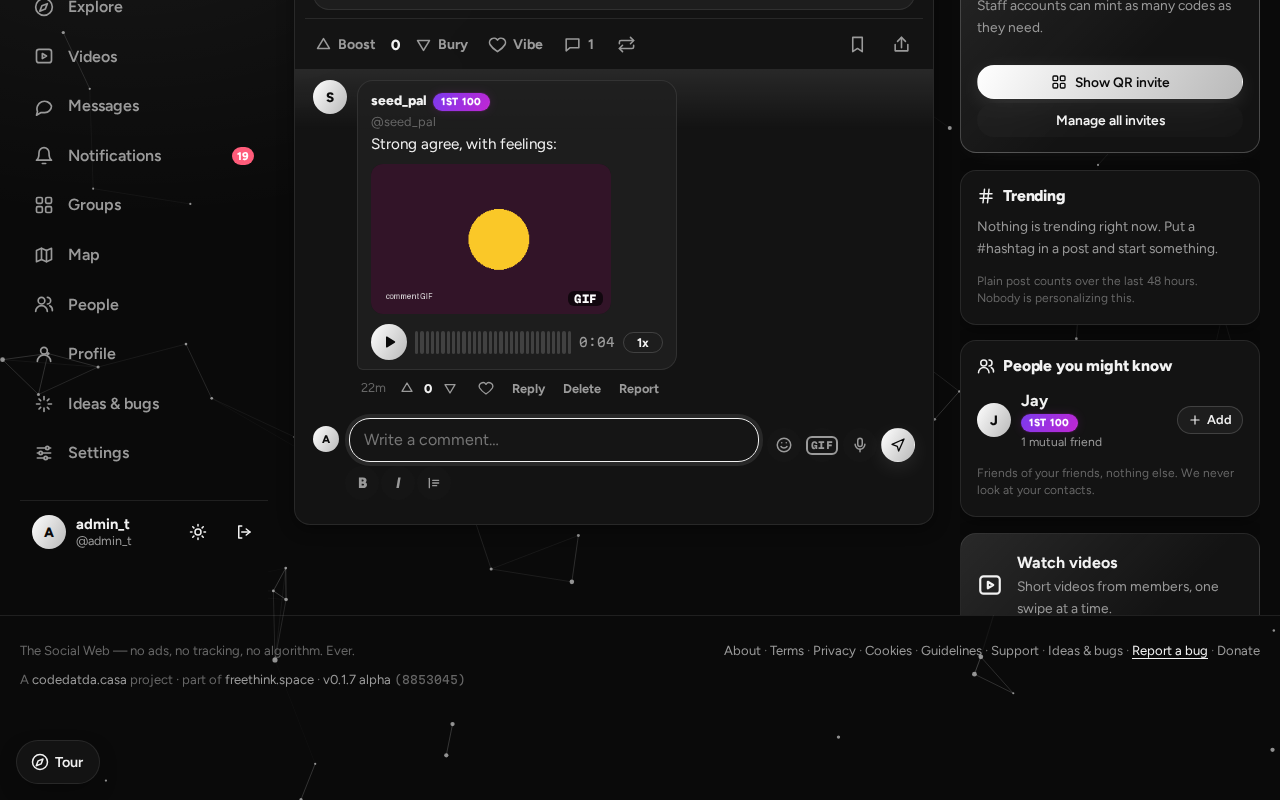
- GIFs on comments. Any comment can carry one GIF: pick one from the GIF search, paste a GIF link, choose a file, or send one from your phone's keyboard in the app. It shows under your words, as a still for anyone who turned on Reduce motion.
- Voice responses. Under a voice rant, the comment box has a microphone too: answer with a recording of up to 3 minutes, with words, with a GIF, or on its own. Only a voice rant takes voice responses.
- Age check in the apps. Inside the Android and iOS apps, sign-up and sign-in also ask the app store for the account's age category and refuse an under-18 answer; nothing changes on the website, which keeps the date-of-birth screen. With the 0.1.8 app update.
- Bring your own GIF search key. GIF search now runs under a key you bring yourself. Get a free one from the GIF service's developer dashboard and paste it under Settings → Account → GIF search; the GIF window asks for it the first time you search, and Home reminds you until you add one or close the reminder. Your searches count against your key's limits, and the GIF service sees your search words under your own developer account there, never your IP address or browser. We keep the key encrypted, never show it again, leave it out of your data download and delete it with your account.
- Line up your cover photo. Under your cover in Settings → Profile → Pictures, a Position slider moves the picture up and down inside its frame, and you can drag the cover in the preview too. It saves by itself, your profile shows the cover where you put it, and a new cover keeps your alignment.
- Child Safety Standards. A public page at
/legal/child-safetysets out what counts as child sexual abuse and exploitation, how to report it from inside the site and the apps or by email, what we do when we find it, and who to contact. Linked from the Community Guidelines, the law enforcement guidelines, About and the Help Center.
Changed
- One report dialog everywhere. Reporting a member from their profile, or a message or conversation, now opens the same dialog as reporting a post: the same reasons, including "Member appears to be under 18", and the "This involves someone who may be under 18" box that sends a report to the top of the queue. Ticking that box on something you reported earlier escalates your open report instead of being dropped as a repeat.
- GIFs play. A GIF in a post, a comment, a message, the GIF window, a profile picture or a cover now plays no matter what your device's reduced-motion setting says; only Settings → Wellbeing → Reduce motion shows stills instead. (Before, a device with reduced motion on got stills everywhere, which read as "my GIFs stopped playing".)
- Preservation runs from the filing. When moderators close an escalated child-safety report with its CyberTipline number, the legal holds on the content and the account restart at that moment, so the one-year preservation the law requires runs from the report to NCMEC.
- Voice rants. A post with a recording is a voice rant now, and it can run 5 minutes instead of 3. The microphone in the post box says so.
- Voice chats. A recording in a conversation is a voice chat, up to 10 minutes instead of 2. Voice chats are still not end-to-end encrypted, like photos in chats.
- The Help Center, the Privacy Policy, the settings and the apps' microphone prompt use the new names.
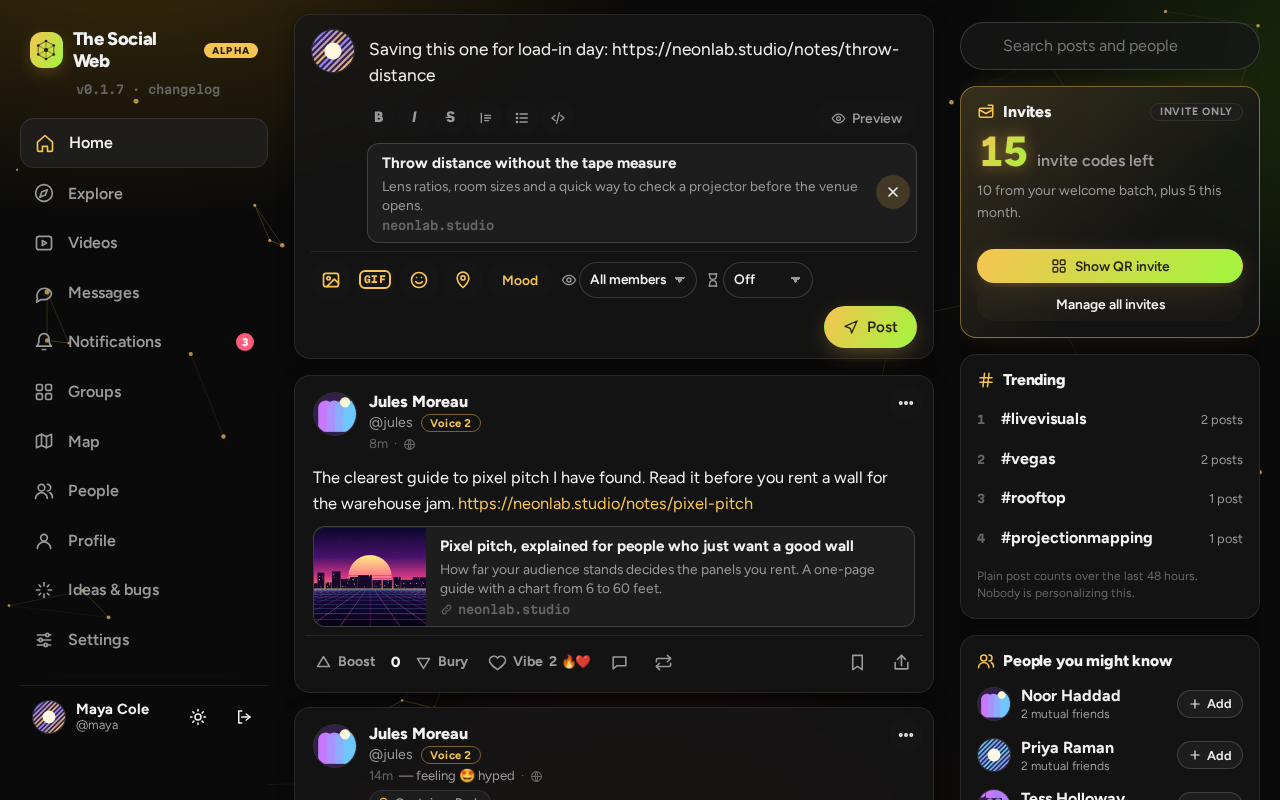
- Boosting matters as much as vibing. A vibe is a reaction; a boost is what lifts the author's Voice, so a post that earns one deserves both. The Boost button now says "lifts their Voice" when you point at it, and the first time you give a vibe, a short note says the same, once.
Fixed
- Privacy settings, out of reach on some phones. On a phone, the settings sections are now a menu you pick from, instead of a row of tabs that could slide out of sight. Every section, Privacy included, is one tap away again.
- Pictures that did not load. A photo, profile picture or cover that fails to load is now asked for again by itself. Browsers and the network in front of the site also no longer keep an error page in place of a picture, which used to leave a broken picture behind even after the file was there.
Added (2026-10-29)
- Moderator onboarding and the Moderator Agreement. A new moderator starts on a welcome page: read and accept the Moderator Agreement, sign in with two-factor authentication, then take a tour of the moderation tools. The tools open only once the agreement is accepted, and again whenever it changes. The agreement is public, so every member can see what moderators promise: fair calls, confidential reports and records, and child safety first.
Changed (2026-10-29)
- Android early access is over. The Android app is in the store now, so the APK download, its banner and the Get the app entries in the menus are gone. If you installed the early-access APK, uninstall it, then install the app from the store and sign in again; your account and everything in it stay as they are.
- Announcements can point somewhere. The notice at the top of the page can carry a button to a page or an address, and a notice about the apps themselves can stay on the website.
Added (2026-10-30)
- Group invite links. Admins can mint a code that admits more than one person: one link to hand a whole group, good until its sign-ups are used up, it expires or it is revoked. Admin → Invites shows how many sign-ups a group link has left, and the CSV carries the count. Members' own codes stay one person each.
Changed (2026-11-01)
- The iPhone and iPad app is out. It is in the store now, next to the Android app: the same site in an app, with notifications, your camera and your photos, nothing added and nothing tracked. Sign in with the account you have. The start page, About and the Help Center link to both apps.
v0.1.7 2026-10-15 Encrypted messages, voice notes, calls, Discover, richer posts
Added
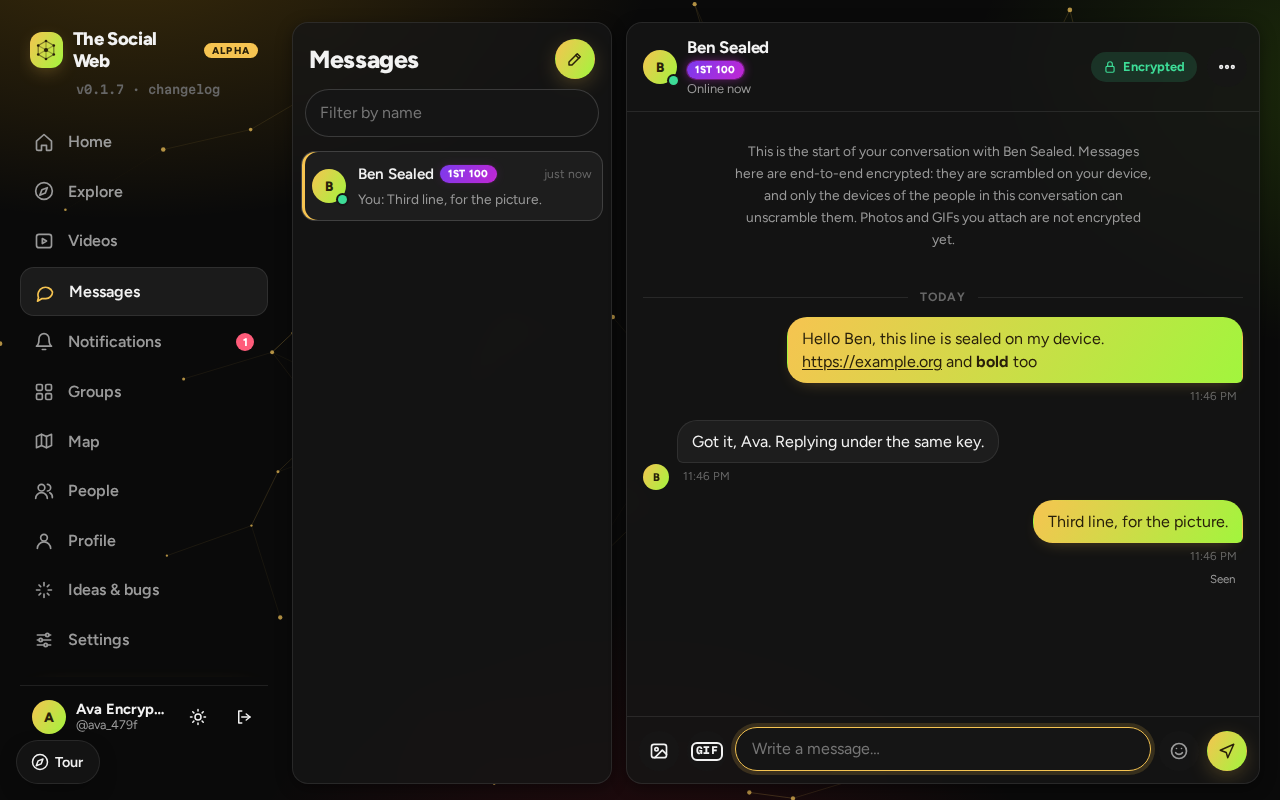
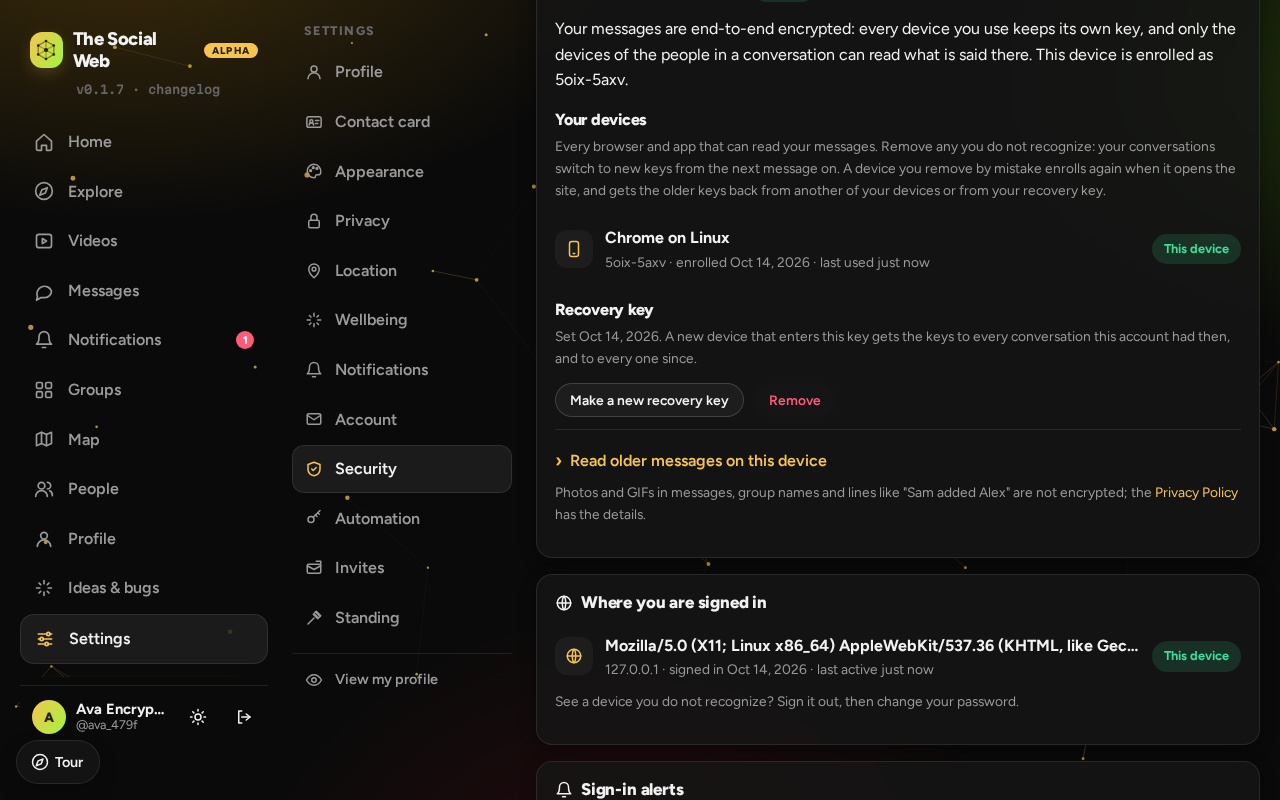
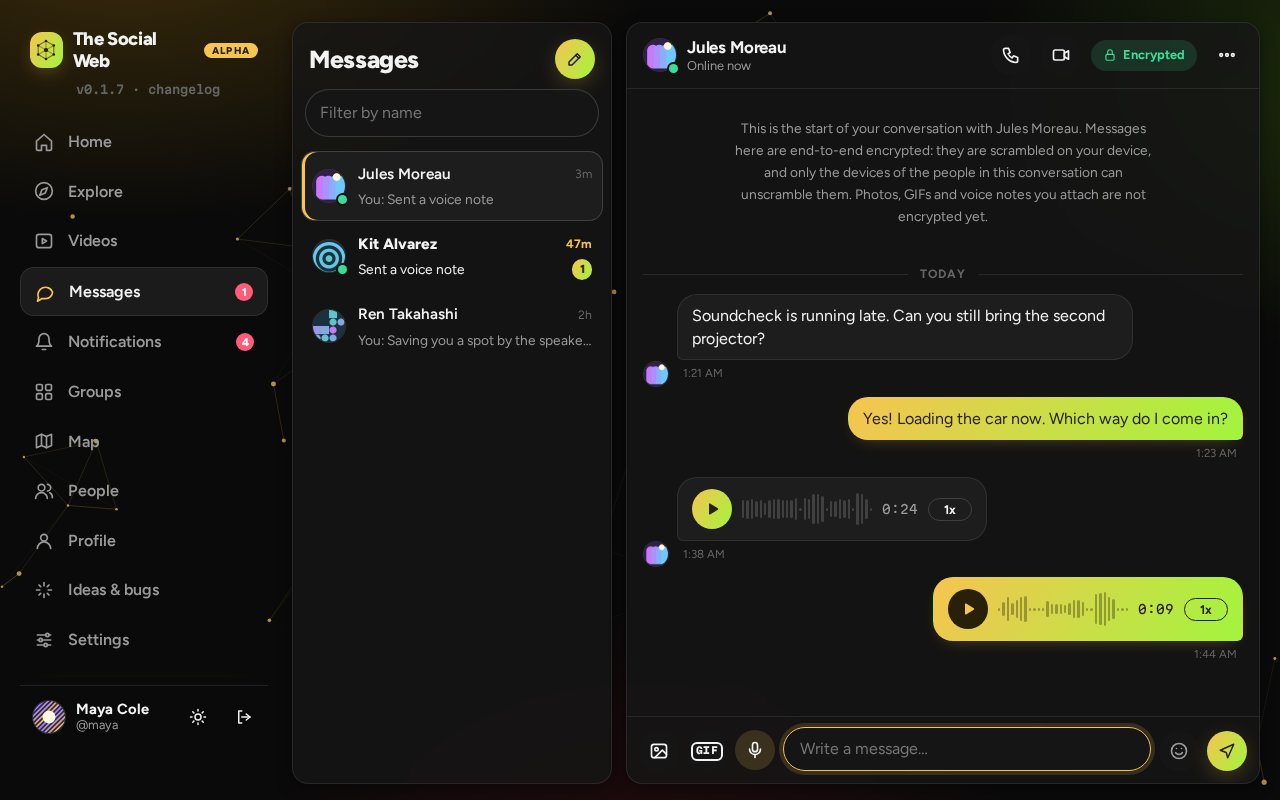
- Your messages are encrypted, by default. What you write in a direct message or a group chat is now scrambled on your device before it leaves, and only the devices of the people in that conversation can unscramble it. The Social Web stores the scrambled text and cannot read it. A lock in the conversation header says it is on, and older messages stay where they were, with a line marking where encryption begins.
- Your devices, your keys. Each browser and app you use keeps its own key. Settings → Security → Encrypted messages lists every device that can read your messages; remove any you do not recognize and your conversations switch to new keys. You get a notice and an email whenever a device is enrolled.
- A recovery key for new devices. A new phone or browser reads your older messages once another of your devices hands over the keys (open the site on both), or when you enter your recovery key: a code you make once under Settings → Security and keep in your password manager. We never see it and cannot recover it for you.
- Reports still work. When you report a message, your device decrypts it and the messages around it and sends that text to the moderators with your report; the moderator sees that it came from your device. Nothing else is ever decrypted for staff.
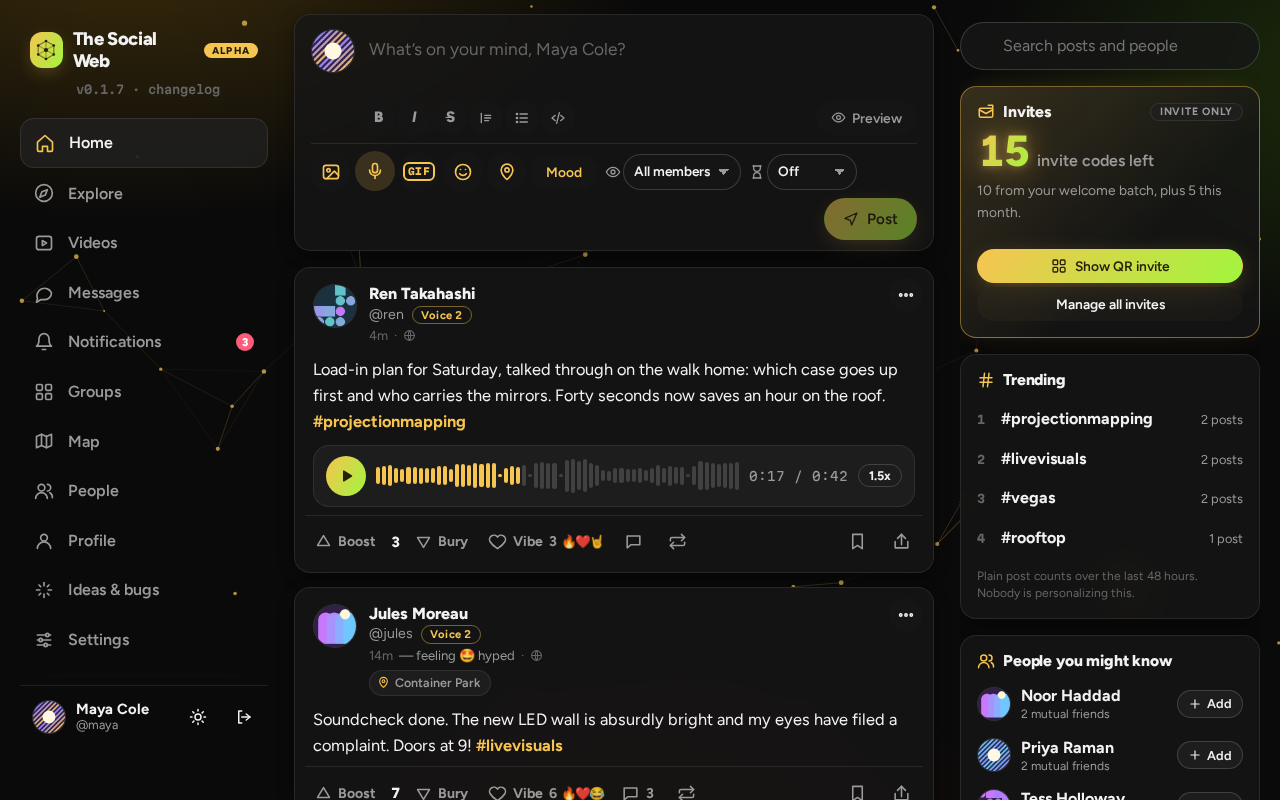
- Voice notes on posts. Press the microphone in the post box and talk, for up to three minutes. The recorder warns you ten seconds before the end and stops on its own; listen back, then use the note or record it again (where a browser cannot record, pick an audio file instead). A post takes one voice note next to its photos and videos, and the note reaches exactly the people who can see the post. It plays with a waveform you can tap to jump ahead, at 1x, 1.5x or 2x, and starting one note pauses any other.
- Voice notes in chats. The microphone in the chat box records a voice note of up to two minutes, and it plays in the conversation with the same player. The conversation list shows "Sent a voice note", and notifications never carry the recording. Like photos in chats, voice notes are not end-to-end encrypted: we store them in a form our server can read.
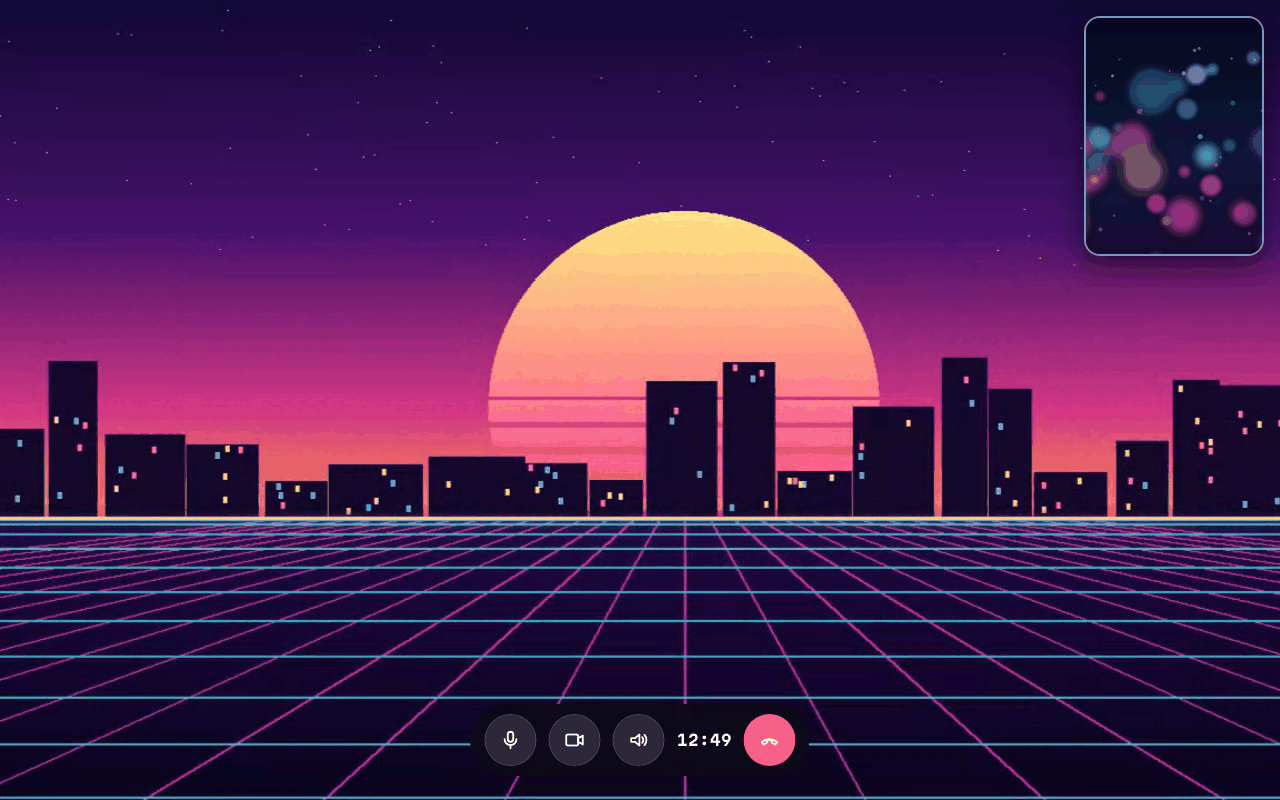
- Voice and video calls. Open a direct conversation and press the phone for a voice call or the camera for a video call. It rings on any page of the site the other person has open, with Accept and Decline, for 45 seconds; a call nobody answers leaves a missed call in the conversation. By default only your friends can call you: under Settings → Privacy → Calls you can let anyone who can message you call, or nobody. Calls are for two people and are never recorded. The sound and picture are encrypted from one device to the other and go straight between the two devices when the network allows, or through our own relay when it does not. A direct connection shows each device the other's IP address, so if you would rather keep yours to yourself, turn on Always connect my calls through the relay in the same place. We keep the call record (who called whom, when and for how long) for 90 days; the line a call leaves in the conversation stays like its other messages. In the apps, a call rings only while the app is open for now: when it is closed you get an Incoming call notification, and opening the app shows the call if it is still ringing. Leaving the app during a call ends it after 20 seconds.
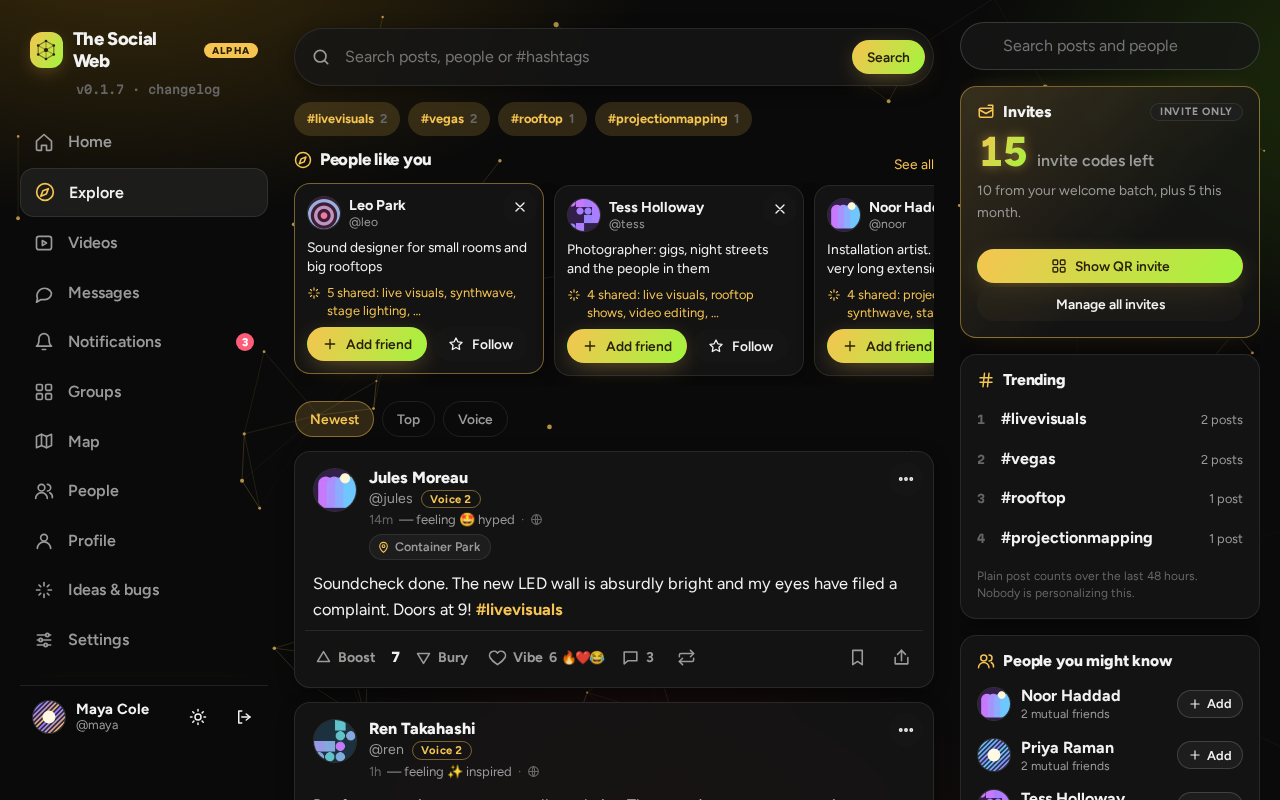
- People like you, if you want them. Discover suggests members who share your interests, skills, languages or line of work: a few in a People like you strip on Explore, and all of them under People → Like you. It is off until you switch it on under Settings → Privacy → Discover, and the one switch works both ways: while it is on you see people like you and they can see you, and while it is off you appear to nobody. It matches only what you put in your profile's Background, never your posts, messages or location, and each card says what you have in common. Hide anyone with the × on their card: they are not told, and you can bring them back from the same Settings card.
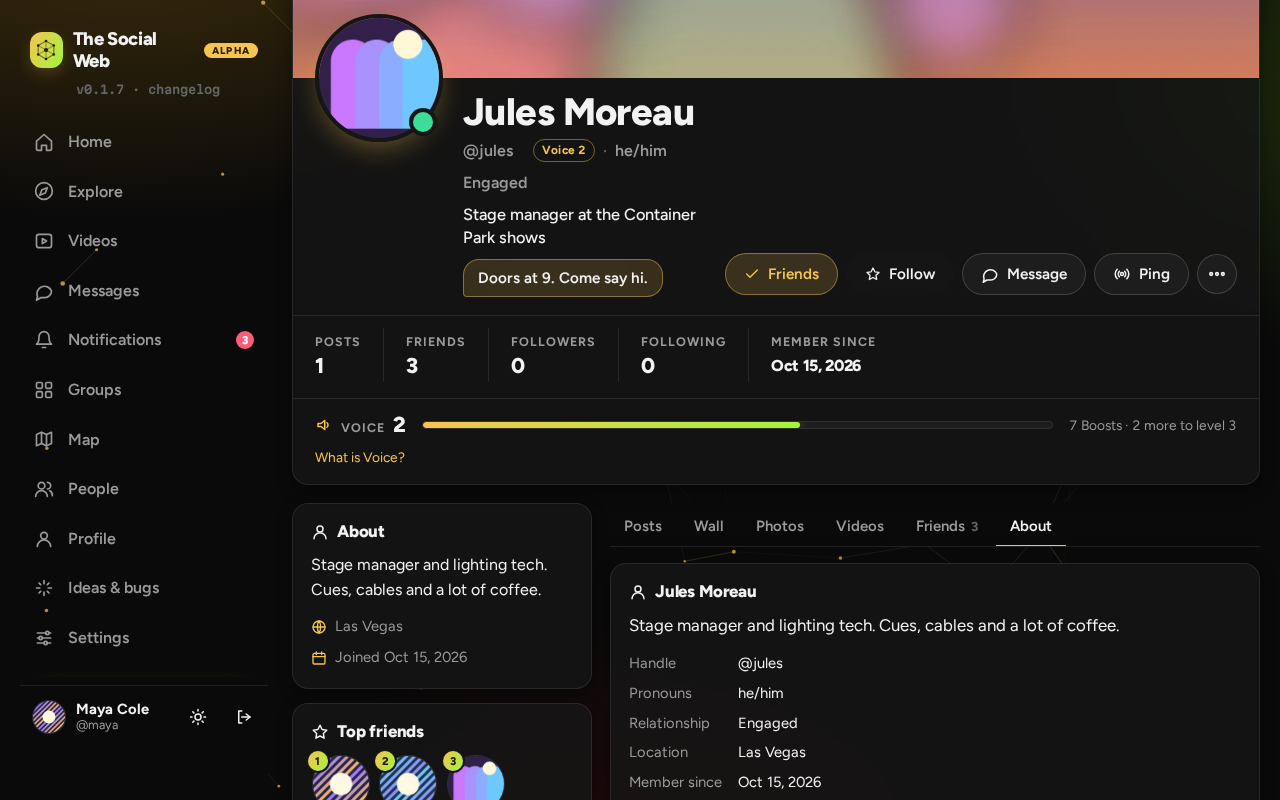
- A relationship status, only if you want one. Settings → Profile → Background has an optional relationship status. It is a label you pick for yourself and never links to another account. Only you see it until you choose your friends or any member under Settings → Privacy, and it stays off contact cards and out of search. If you like, Discover can count it as something you share with members who allowed that too.
- Profile pictures open full size. Tap a member's profile picture to see it full size, then step through their cover and the photos they shared with you.
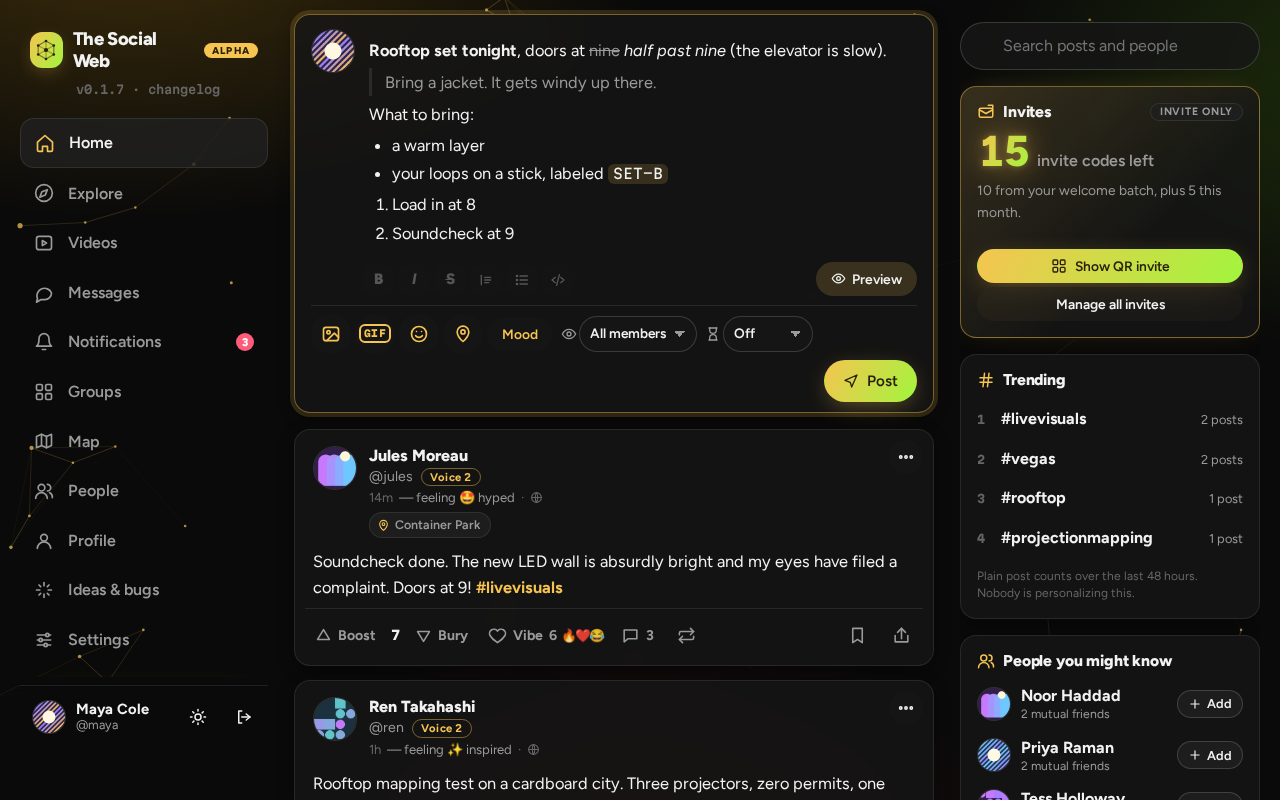
- Formatting in posts and comments. Make words bold, italic or
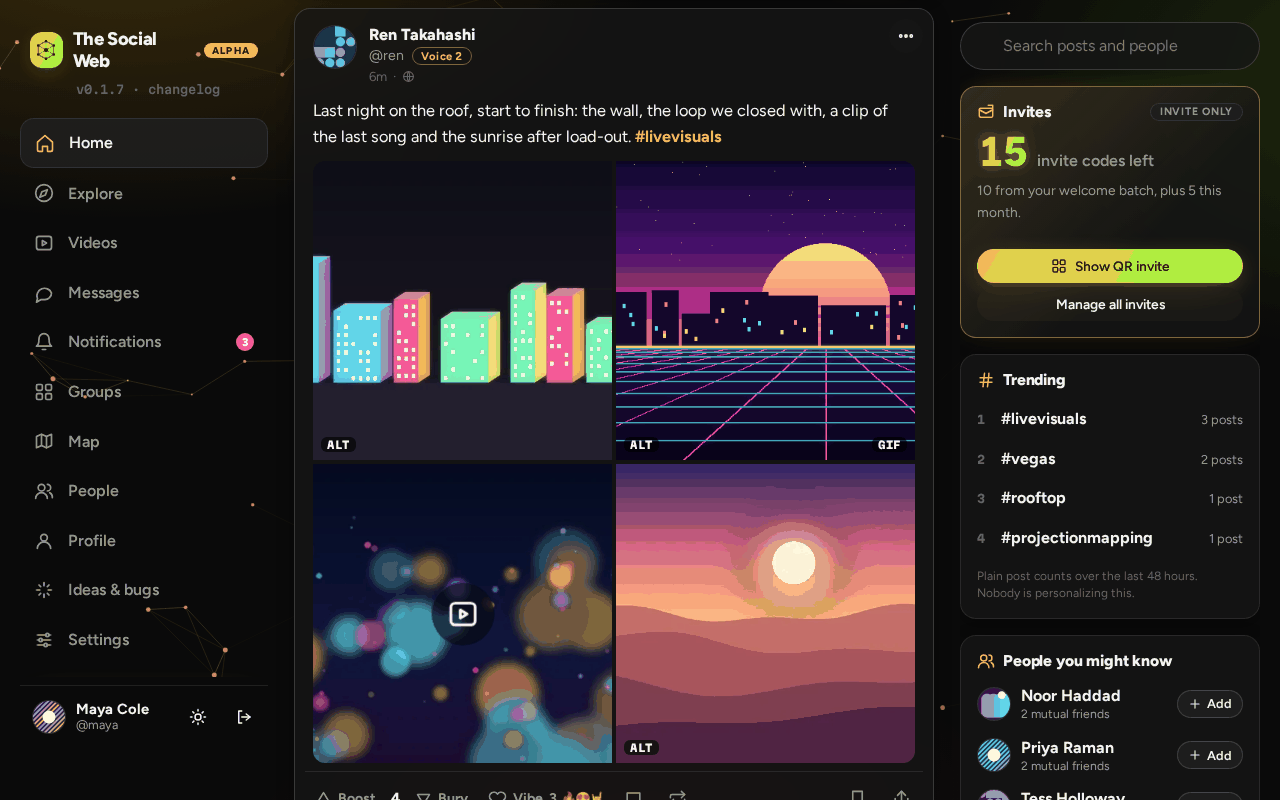
struck out, markcode, and turn lines into quotes and lists, with the buttons under the post box, the keyboard or the marks themselves (Help → Writing posts lists them all). Preview shows your post exactly as members will see it before you share it. Comment boxes have bold, italic and quote. - Photos, GIFs and videos in one post. A post now takes up to 10 attachments in any mix, up to 3 of them videos. They show in the order you set (use the arrows on each one, or drag them on a computer), videos play right in the grid, and the viewer steps through photos and videos alike.
- Link cards. The first three links in a post get a card with the page's title, a short description and its picture. Our server fetches each page once, so the other site never sees you or the people who read your post, and nobody's device contacts it until someone taps the card. Remove a card with its × before you post. Admins can switch link cards off under Admin → Settings.
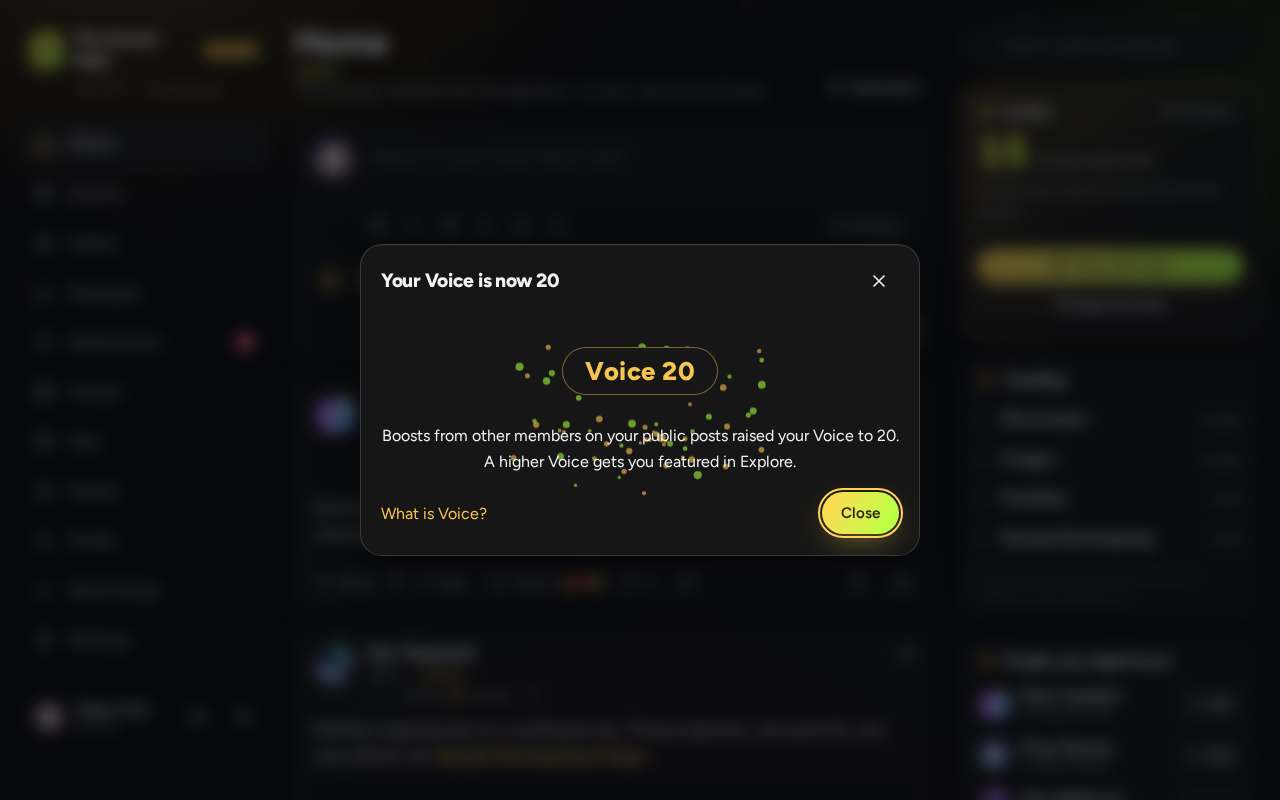
- A cheer when your Voice goes up. The first time you open the site after your Voice reaches a new level, a short celebration says so. Switch it off with Celebrate new Voice levels under Settings → Wellbeing; quiet mode holds it back too.
- Scripts and assistants:
POST /api/v1/poststakes photos, GIFs and videos in any mix, one voice note uploaded withkind=audio(a post's JSON carries it invoice) andskip_cards, a post's JSON lists its link cards incards,POST /api/v1/me/profile/extratakesrelationship, and an Everything token lists Discover matches withGET /api/v1/discoverand hides one withPOST /api/v1/discover/dismiss.
Changed
- Tour and Help on phones. On a phone, Tour this page and Help chat now live in the menu behind your picture in the bottom bar, so nothing floats over the feed anymore. On a computer they stay side by side in the bottom-left corner.
- Push notifications for messages carry no text; with previews on, they say who wrote.
- The Privacy Policy, Terms, Security page and law enforcement guidelines now describe end-to-end encryption, and what stays readable: photos, GIFs and voice notes in messages, group names, the lines the service writes into a chat, and who wrote to whom and when.
- The Privacy Policy now covers Discover, the relationship status, link cards, voice notes and calls, and the Terms of Service say how link cards and calls work.
Changed (2026-10-28)
- No release tag inside the apps. The website's release stage tag (alpha, beta) next to the logo, in the menu, the footer, the landing chip and the changelog line stays on the website; the Android and iOS apps never show it.
- A mailing address for formal notices. Administrators can set one under Admin → Settings; the Terms, the Privacy Policy, the law enforcement guidelines and the DMCA page print it, and until it is set they keep saying to email for one.
Fixed (2026-10-17)
- Sign-up emails you can find. The sign-up form and the "Check your inbox" page now name the address the link comes from and say to look in Spam or Junk and mark it "Not spam" when it hides there.
- Email comes from thesocialweb.site now. Since October 20, every email the site sends comes from
[email protected], the same domain as the links inside it, instead of codedatda.casa. The privacy policy names the new mail provider (effective October 20, 2026). - Sign-ups waiting on their link are visible. Admin → Users lists everyone who filled in the form but never opened the emailed link, with a "Send a fresh link" button; expired links can be renewed until housekeeping sweeps them. Every link the site mails, and every email it sends or fails to send, now leaves a line in the event log, so a missing email can be traced after the fact.
- Voice notes and calls in an older Android app. Android app versions before 0.1.7 cannot use the microphone at all, so they never ask for it and Android's settings have no microphone switch for them. Instead of sending you to look for that switch, the voice note recorder and calls now say to install the newest app from thesocialweb.site/apps/android.
v0.1.6 2026-10-13 Birthdays, time zones, links elsewhere and discussion boards
Added
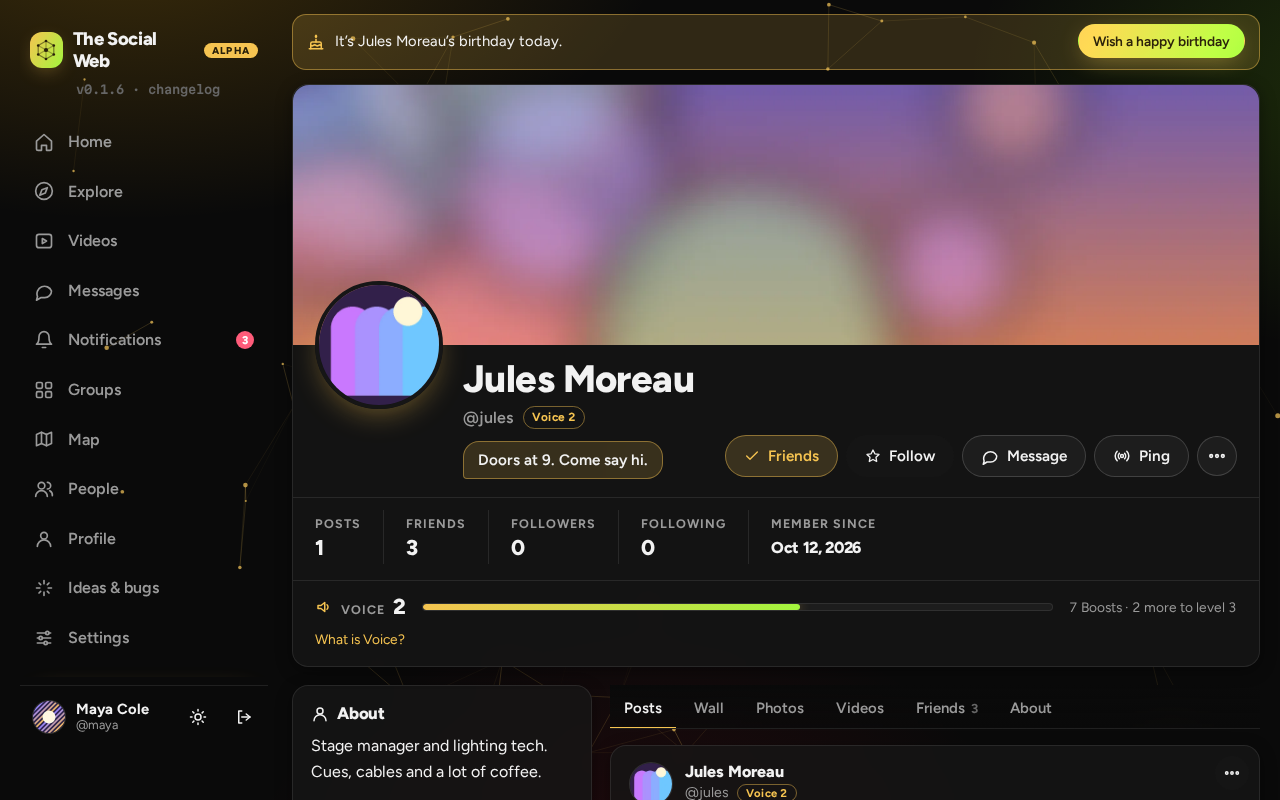
- Birthdays, if you want them. Add your birthday under Settings → Profile and pick who sees it: only you, your friends (the default) or any member. People see the day and month unless you also choose to show the year. On the day your profile says so, with a button that lets visitors wish you a happy birthday on your wall or in a message, whichever you allow. It is separate from the date of birth you gave at sign-up, which we checked once and never kept.
- Birthday reminders, off until you turn them on. Settings → Wellbeing → Birthday reminders shows the coming week's birthdays of your friends on Home and sends you one notification on the day. Only birthdays your friends chose to share with you ever show up, and the card can be dismissed for good.
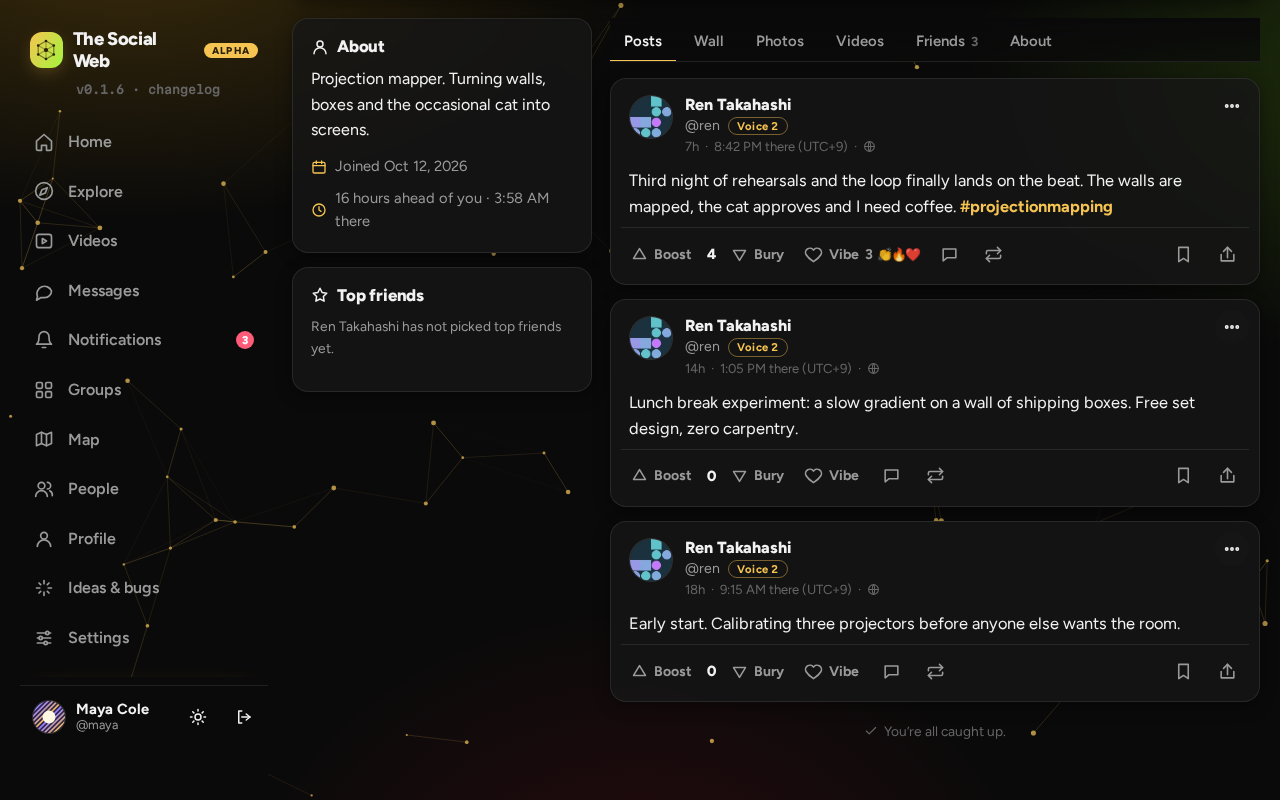
- Know what time it is for the people you talk to. Profiles show how many hours ahead or behind you someone is and their local time right now, a conversation's header shows the difference too, and a post written in another time zone shows the local time it was written. Only the hour difference is ever shown, never a city, a country or the zone's name, and you can turn it off with Settings → Privacy → Share my time zone.
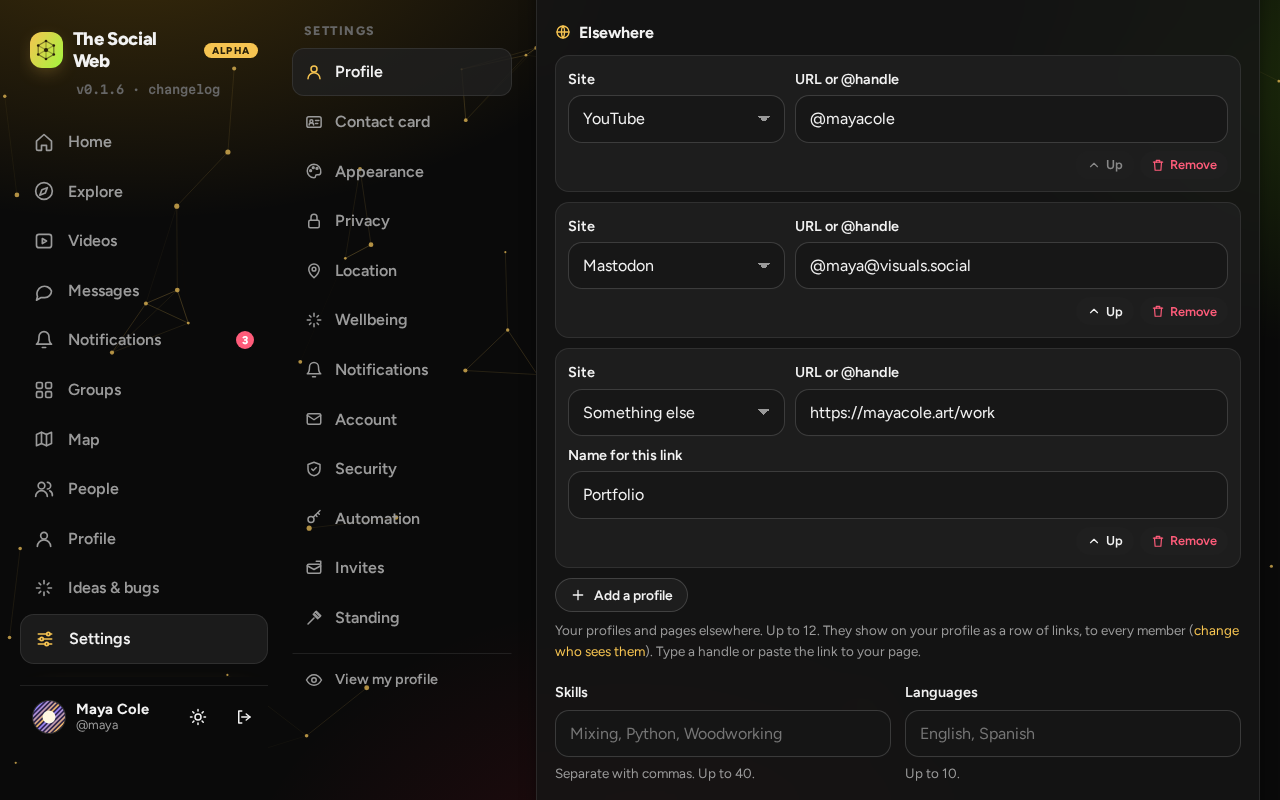
- Links to your profiles elsewhere. Settings → Profile → Background → Elsewhere takes up to 12 of your profiles and pages on other sites: pick the site, then type your handle or paste the link, and they show on your profile as a row of links. Settings → Privacy decides who sees them.
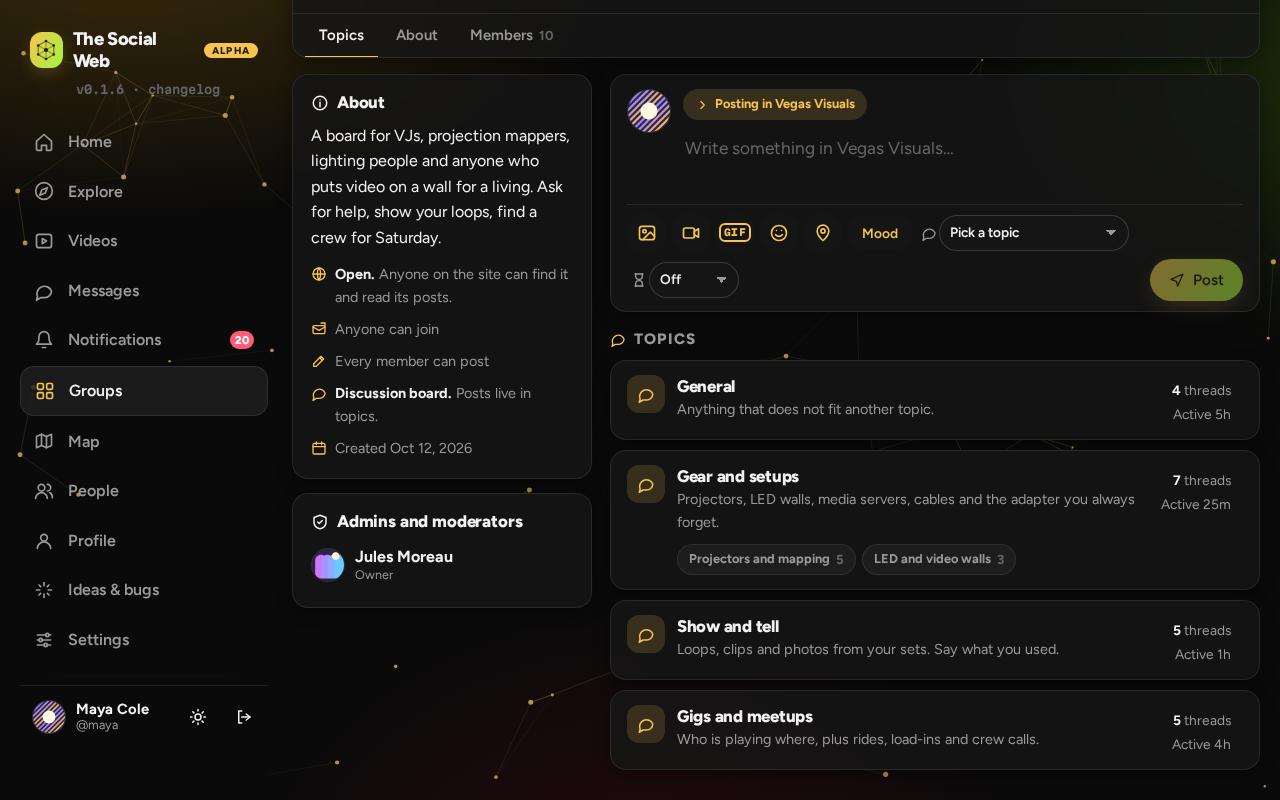
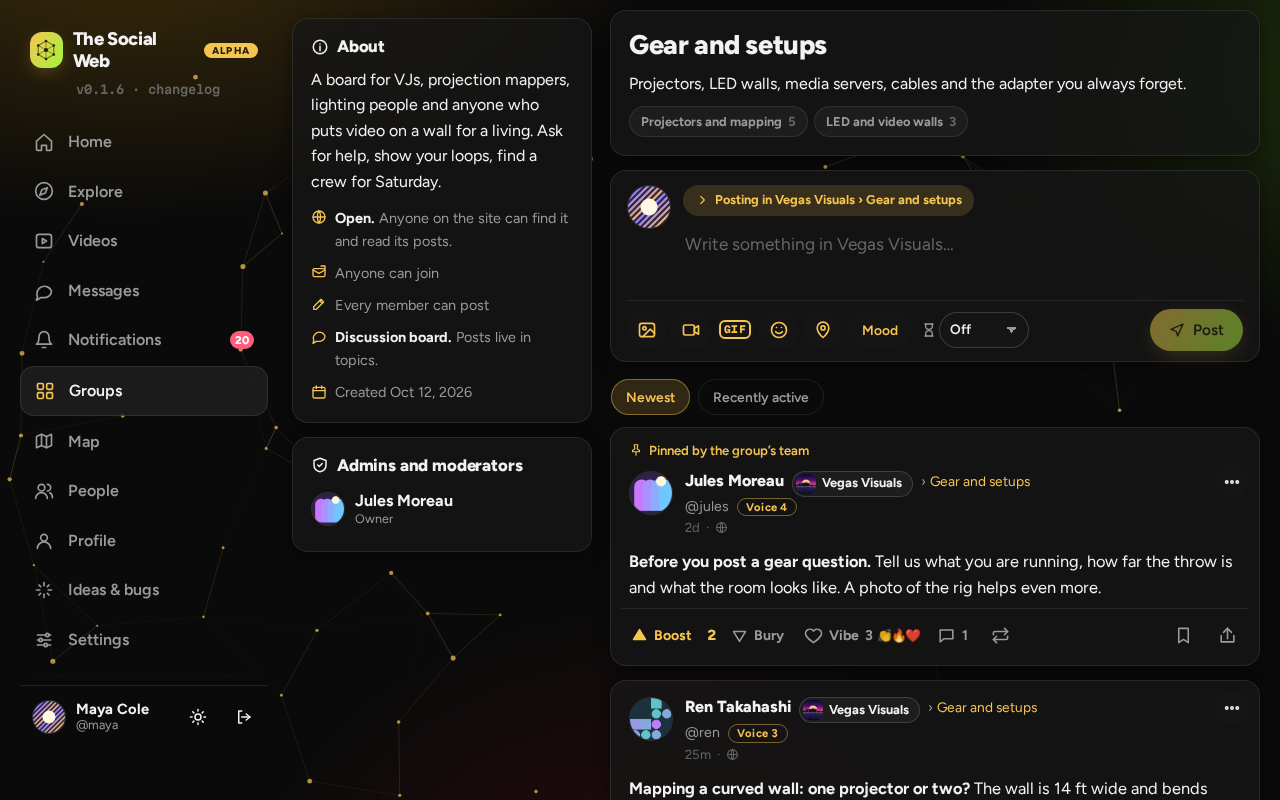
- Discussion boards in groups. A group can now work like a forum. When you start a group, a new card asks how it is organized: a feed, the single stream of posts groups have always had, or a discussion board, where posts live in topics and sub-topics the team sets up. A board opens on its list of topics, each with a short description, how many threads it holds and when it was last active; every board starts with a topic called General. The composer on a board asks which topic your post goes in, and on a topic's own page it already knows. A topic shows its threads newest first with the team's pins on top; choose "Recently active" to see the threads with the latest comments first instead, your choice each time. Wherever a post from a board shows up, it says which group, topic and sub-topic it lives in. Moderators and admins add, edit, reorder and archive topics and move a thread to a better topic; owners and admins can delete a topic that is still empty, and every change lands in the group's log. An existing group can add discussion features under Settings → Discussion board, which moves its posts so far into General; this is a one-way step, and pages stay feeds.
- An emoji button on your tag. Settings → Profile → Your tag has the same emoji picker as the composer next to the text box.
- Scripts and assistants can post into a board:
POST /api/v1/poststakestopic,GET /api/v1/me/groupslists each board's topics, and the MCP server'screate_postlearned atopicargument. A post's JSON carrieslocal_timeandPOST /api/v1/postsacceptstz.
Changed
- Tour and Help moved to the corner. On a desktop window the Tour and Help buttons now sit side by side in the bottom-left corner of the window instead of over the feed; the side menu keeps its account row above them and scrolls when it is taller than the window. Phones are unchanged.
- The Privacy Policy lists the optional birthday, the links to your profiles elsewhere and what the time zone switch shares.
Fixed
- Turning on two-factor authentication from a script's or an app's token no longer fails halfway: the recovery codes arrive and the other sessions end, as they do from the site.
v0.1.5 2026-10-11 Automation
Added
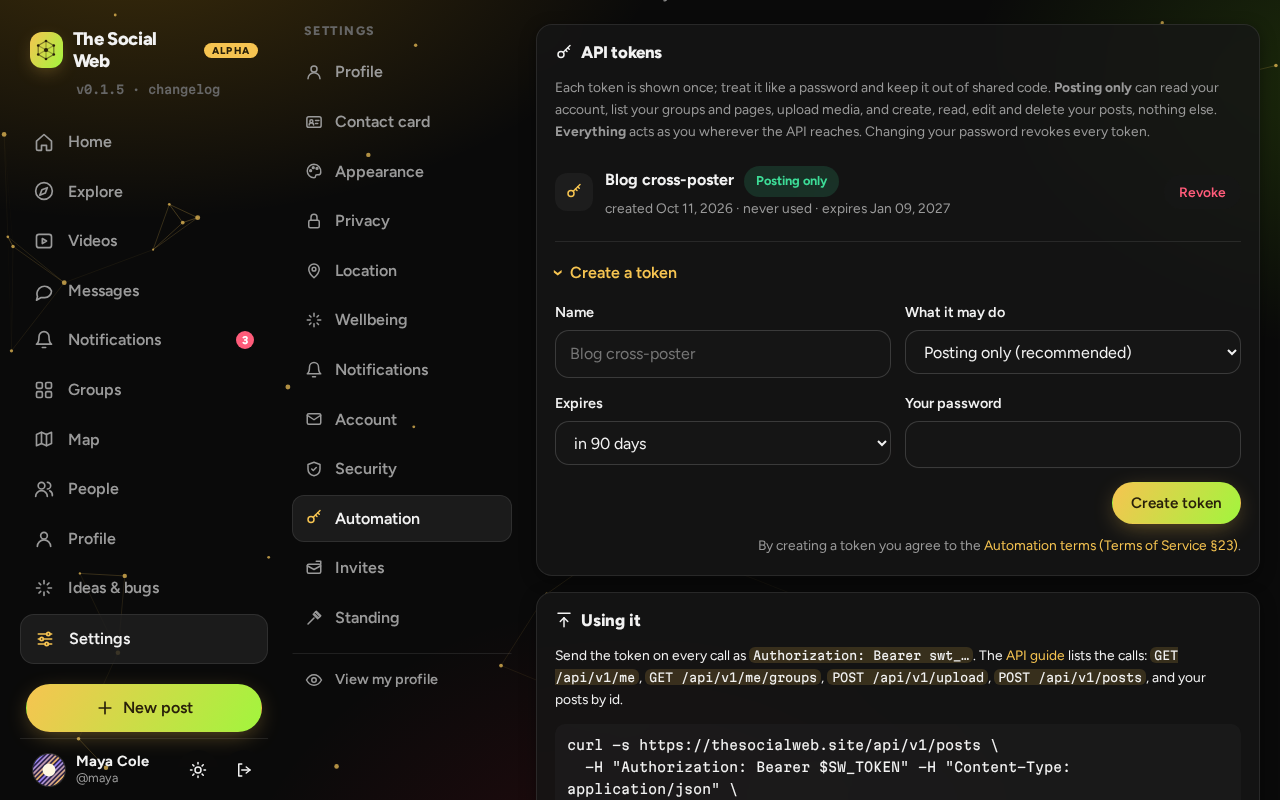
- Post from your own scripts and assistants. Settings → Automation makes API tokens that are Posting only (your account, your groups and pages, uploads, your own posts) or Everything, with an expiry of 30, 90 or 365 days or none. The API guide in the Help center (/help/api) covers the calls and the limits, and the MCP server you can download from Settings → Automation lets MCP-capable assistants post for you. Your own account only, no bots: the Terms of Service gained an Automation section.
GET /api/v1/me/groupslists the groups and pages you belong to and whether you can post in each right now.- Posts made through a token carry a small "via API" mark and have their own hourly ceiling (API posts per hour).
Fixed (staff accounts, 2026-10-12)
- Role perks follow the account again. Security round 1 made staff tools ask the browser or token in use for its own two-factor code, and that check had also reached an admin's unlimited invites and frozen-invites bypass, messaging members who closed their messages, and viewing locked or deleted accounts and their pictures: all of them vanished in every browser signed in before two-factor was turned on. They are back wherever the account qualifies, as before. The tools still need a sign-in with the code.
- A staff browser from before two-factor enrollment now sees a banner on every page saying to sign in again on that device (the old one appeared only inside Settings); staff actions from such a browser answer a clear refusal instead of a redirect the page read as success; a token made from such a sign-in is marked "No staff tools" on the token lists and says why when it is used for one.
- Turning on two-factor authentication now signs out your other sessions and revokes tokens made before it, as the v0.1.4 notes said it would.
- Staff replies on Ideas & bugs from such a browser are refused instead of going out quietly under the staff member's own name.
Fixed (security review, 2026-10-12)
- A staff member under an escalated report could still see, and an admin could release, the legal holds on their own account and content, and the admin pages (own record, the events log, the held filter, the overview counts) still showed the report. Now the report, its holds and the log rows about it do not exist for them on the staff pages and the admin pages alike, and a hold on them is a colleague's to release.
- A repeat report no longer clears a confirmed escalation; a dismissed one starts clean.
- Lifting a suspension or a ban, clearing a tag, taking a song down or turning a card off tells the member only when no escalated report names them.
- Staff can remove a reported profile song from the member record (a friends-only profile hides it from them otherwise).
- Reports a group's team received about a member who later joins the team go to the site's moderators when the member is promoted.
v0.1.4 2026-10-11 Contact cards
Added
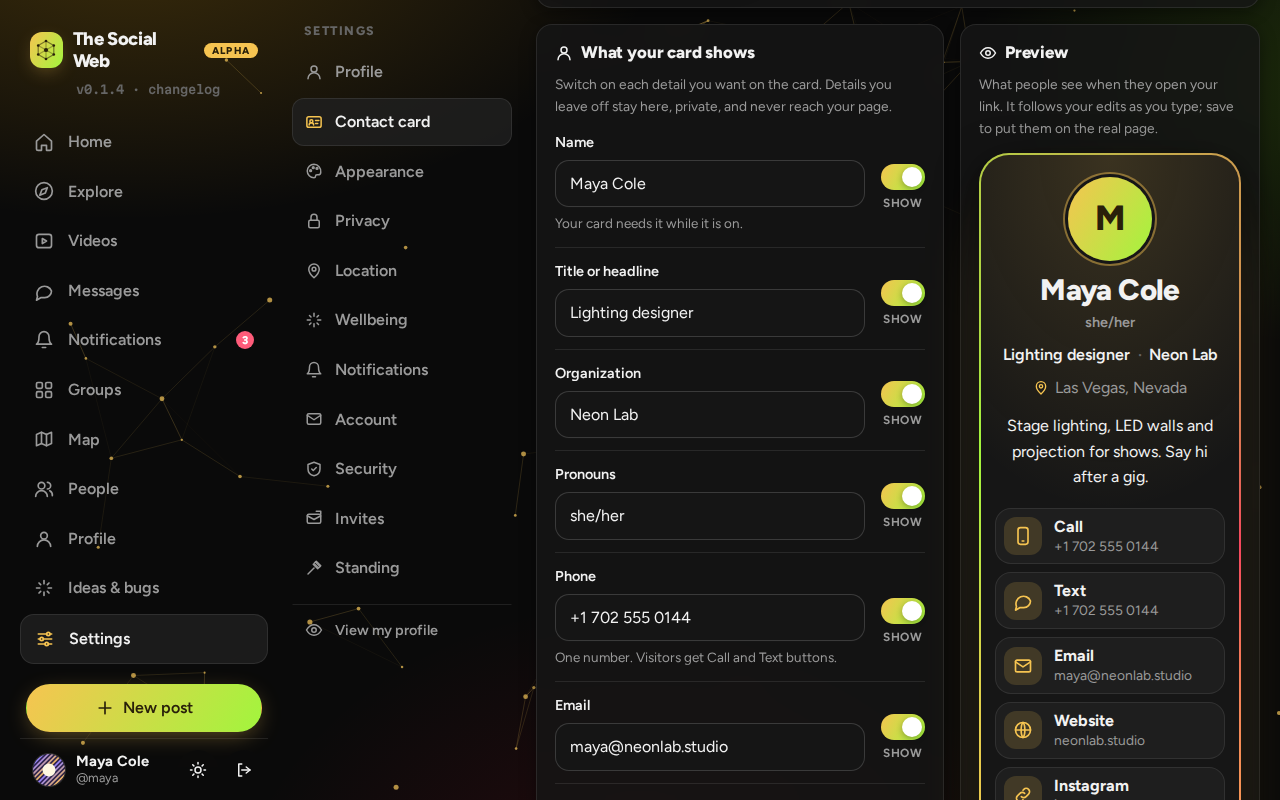
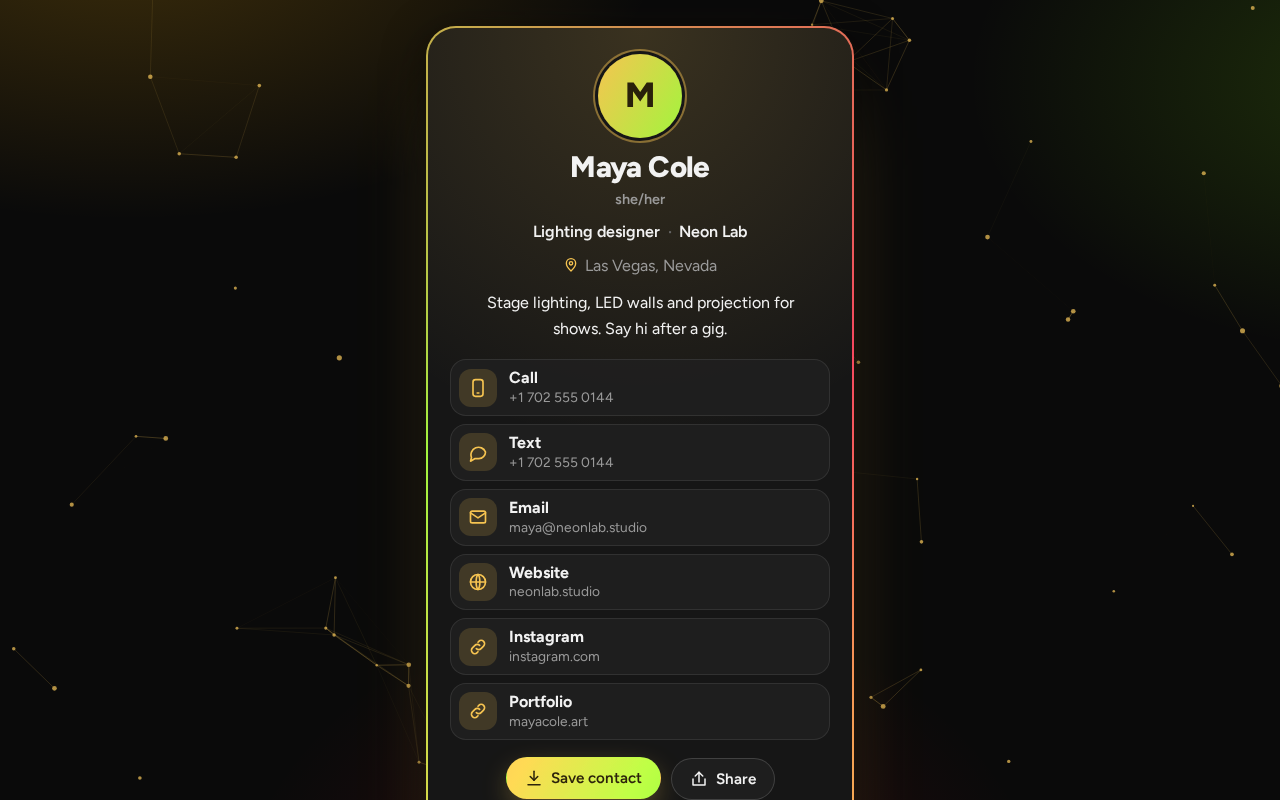
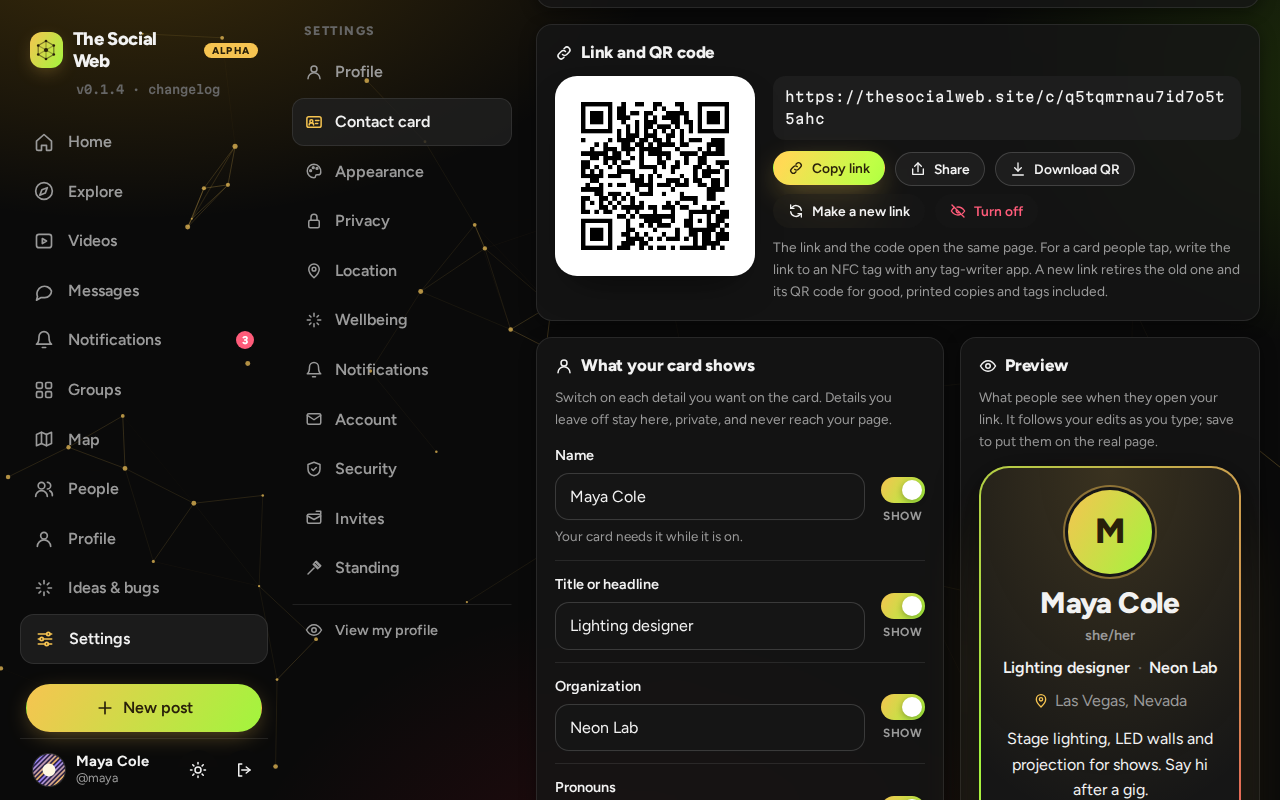
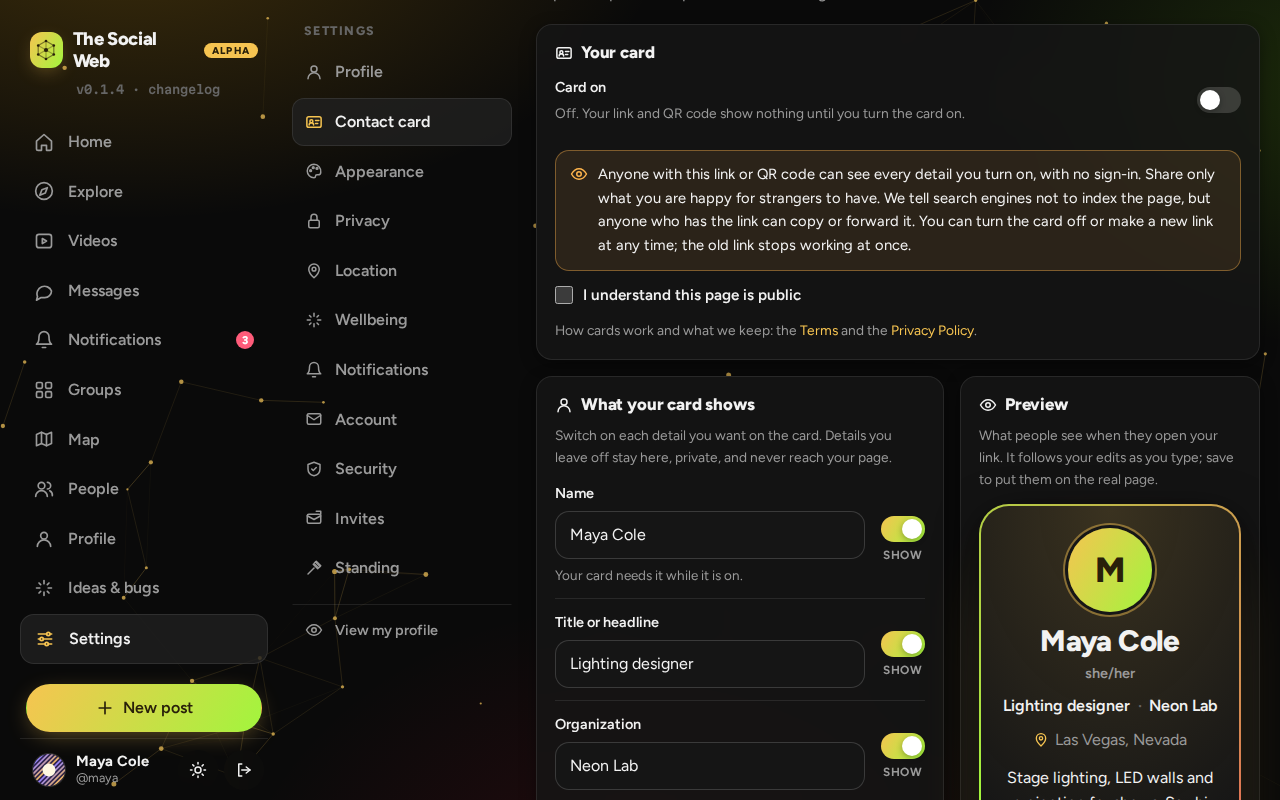
- Contact cards. Put your contact details on a card (name, title, organization, pronouns, phone, email, website, links, location, a note), choose which of them show, and get a link and a QR code that open a public page with just those details, like the tap-to-share cards people carry. The page needs no sign-in, carries a Save contact button (a vCard), tells search engines to stay away, and keeps no record of who looked. Turn the card off or make a new link whenever you like; the old link stops working at once. Before the card goes public you read a plain disclaimer and confirm that you understand the page is public. Settings → Contact card.
- The Terms of Service and the Privacy Policy gained a Contact cards section each, with the same disclaimer.
Changed (security round, 2026-10-11)
- Sign-up now finishes from the email link. After the sign-up form, the account is created only when you open the link we email you and press "Create my account" with the password you chose. Until then nothing is made and your invite code is not spent. The same page answers whether or not the address already has an account, so nobody can use an invite code to find out who is a member.
- Invite codes stay spent after the account that used them is deleted, and codes minted by a member who is banned or suspended stop working until that ends.
- Staff sessions and tokens must come from a sign-in with a two-factor code; a session or token from before enrollment loses staff tools until you sign in again.
- Changing your password or turning on two-factor signs out your other sessions and gives the current one a fresh cookie; a pending email-change link is voided by a password change.
Fixed (security round, 2026-10-11)
- Reports about a group's team member never reach that member; a site moderator who is part of a conversation cannot act on reports about it; assignee notices for private bug reports no longer carry the report's title or reporter.
- Opening a message thread from a link no longer creates a conversation on its own (a button does, with the usual protections); unexpected JSON on the messaging API answers 400 instead of 500.
- Two-factor and recovery-code checks reject non-ASCII digits cleanly, and recovery codes are stored with a keyed hash.
- A former group member opening their own post from a closed group gets a clean page instead of an error.
- The server limits WebSocket message size and queue; backups no longer carry the secret key or the environment file; the data directory and database are readable by the service only.
Changed (security round 2, 2026-10-11)
- Usernames need at least one letter or underscore. A name made only of digits could be read as an account number by staff tools.
- A report to a group's team about anyone on that team (owner, admin or moderator) goes to the site's moderators instead, in your name. The team never sees it.
- A friends-only profile shows staff the same name card it shows any non-friend. Staff use the member record, which is logged, for anything more.
Fixed (security round 2, 2026-10-11)
- A report about a staff member, their content or a conversation they are in does not exist for that staff member: it is not in their queue, counts, log or holds, its page answers "No such report", and the alert goes to everyone but them. Their own member record is closed to them.
- While an escalated report names a member, nobody can warn, strike or suspend them or decide their appeal, so nothing tips them off until it is settled. The member record says so.
- Reporting something again after your earlier report was closed files a fresh report instead of answering "already reported". The page now says when your report is still open.
v0.1.3 2026-10-10 GIF search, keyboard GIFs, a tidier name line
Added
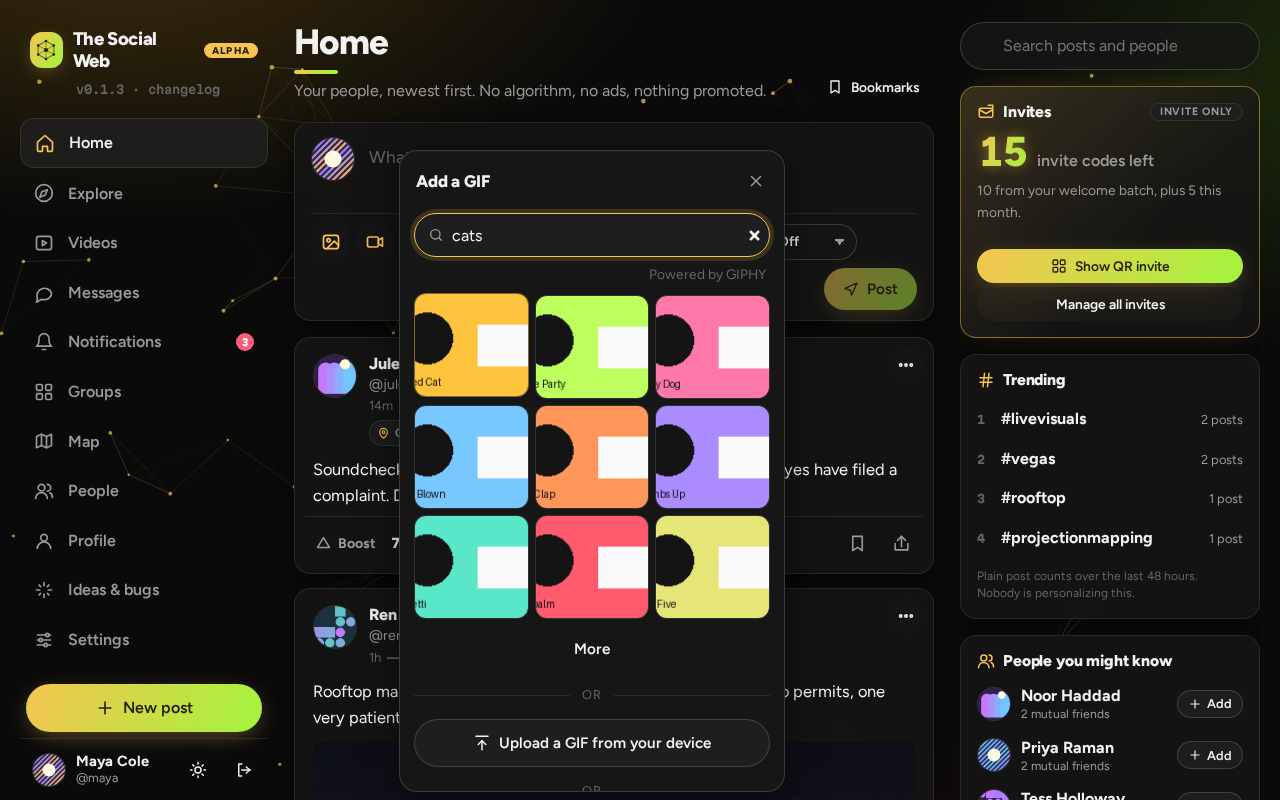
- GIF search in the GIF sheet of the post box and the chat box: type a few letters and pick a GIF. The search runs through our own server, which talks to the provider (GIPHY); the provider never sees who you are, your address or your account, and nothing loads from it until you search.
- GIFs from your keyboard in the Android app. Your keyboard's GIF button now attaches straight into the post box or a chat (on iPhone and iPad, keyboards copy the GIF: paste it into the box).
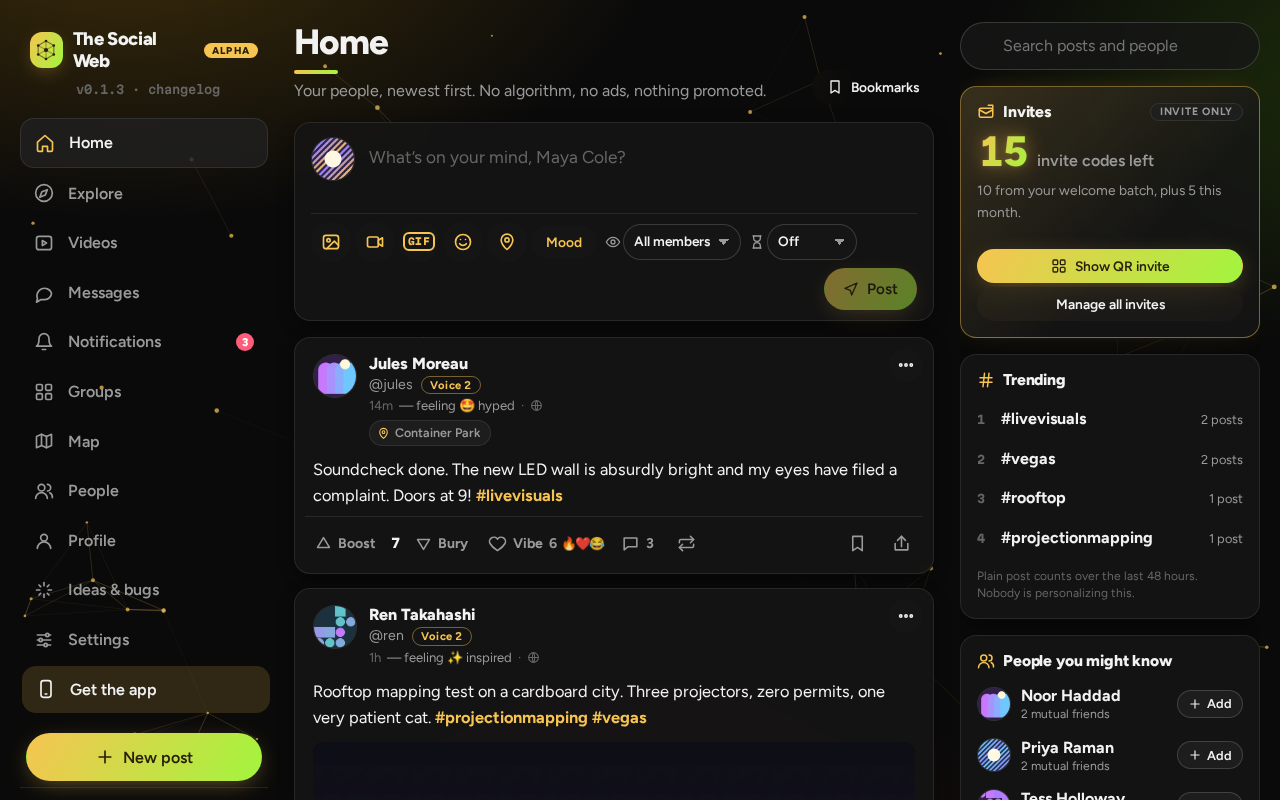
- A Get the app entry in the left menu and in the phone menu, next to the banner, while the Android early access is on.
Changed
- Post, comment and profile headers read the same way everywhere: the name with its tags on the first line, the @handle with the Voice level on the line below.
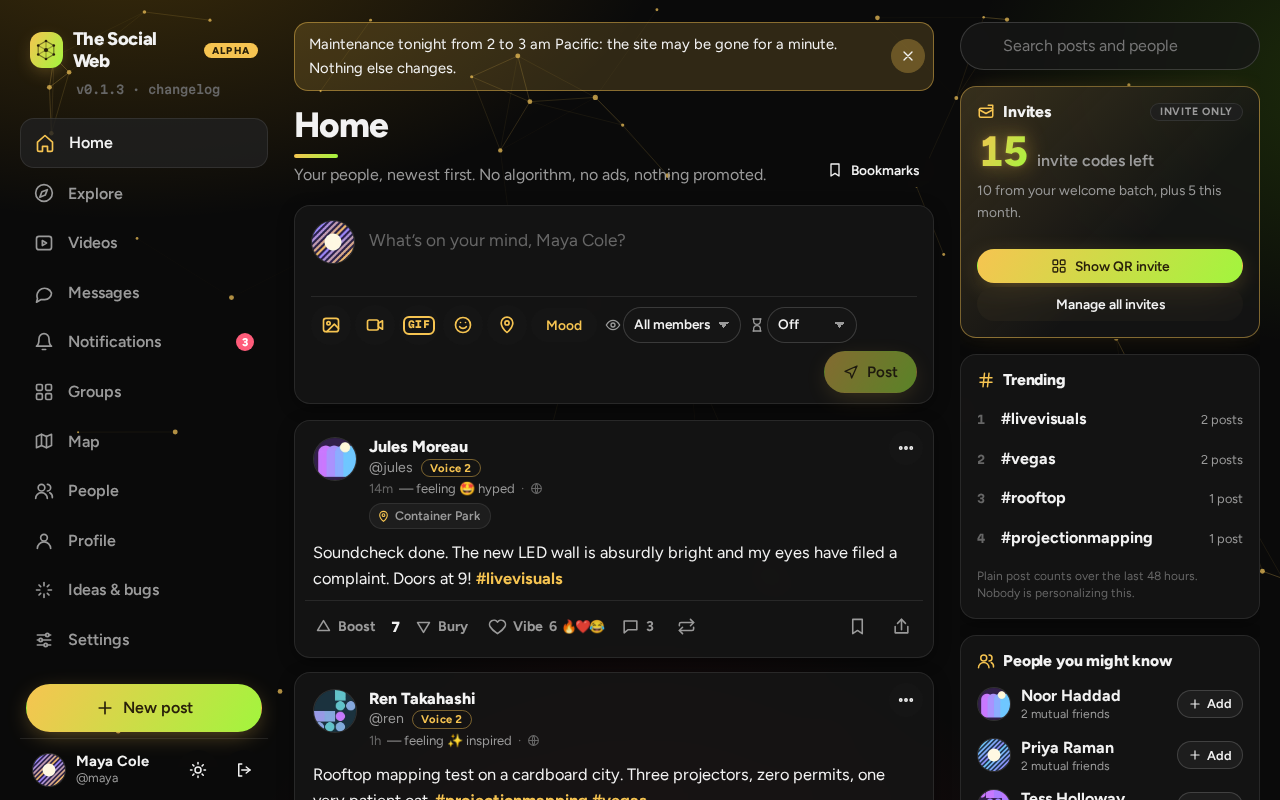
- The site-wide notice can be closed; a changed notice shows again.
- Cloudflare's geographic challenge is gone for the site and its sister site, and the Android app no longer runs the browser's service worker (the two together had looped the app on the challenge page).
v0.1.2 2026-10-10 Support chat, Android early access, tours on demand
Added
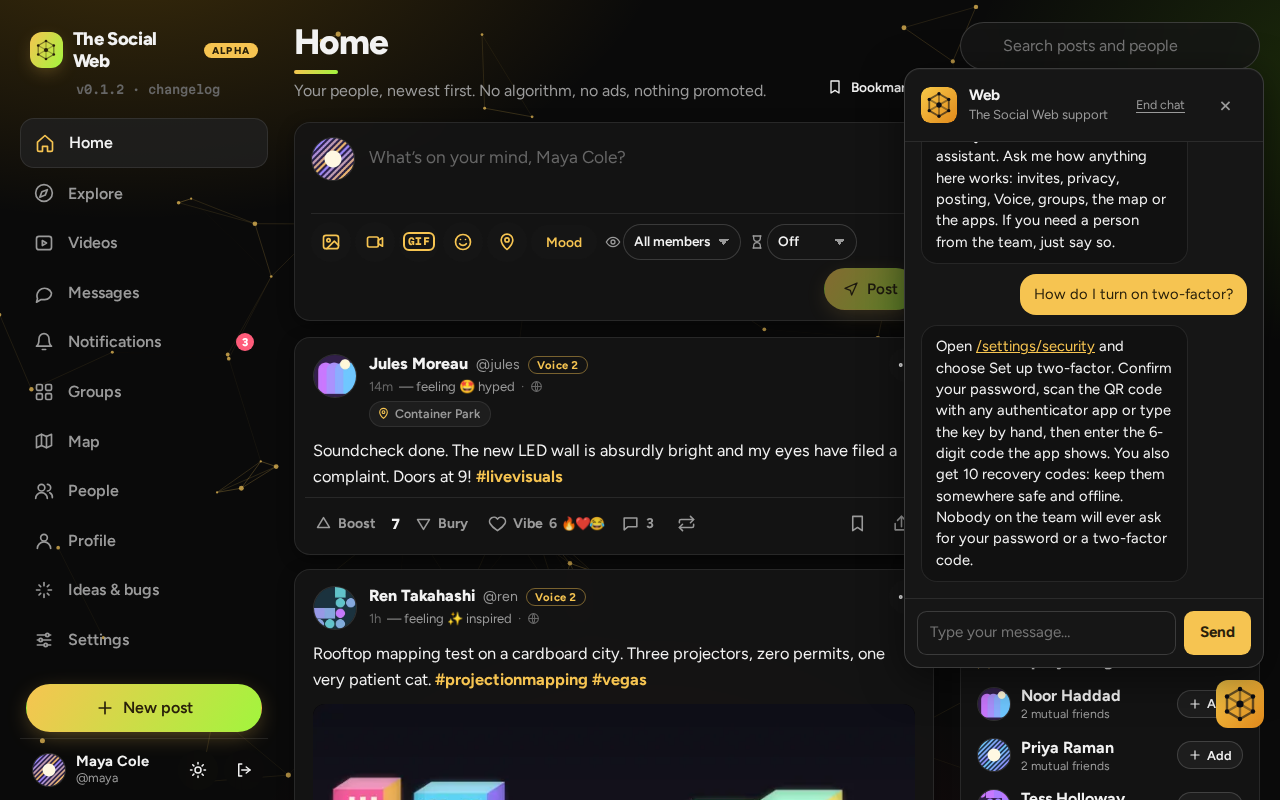
- Chat with us. A support chat on the main pages (Home, Explore, Notifications, Settings, Help, Support, the changelog and the legal pages) for signed-in members, opened from the Help button: it answers from a knowledge base about The Social Web (invites, security, posting, people, groups, places, the apps, privacy), and a person from our team can take the conversation over when the answer needs a human. It runs on codedatda.casa's own support system, never a third-party chat vendor.
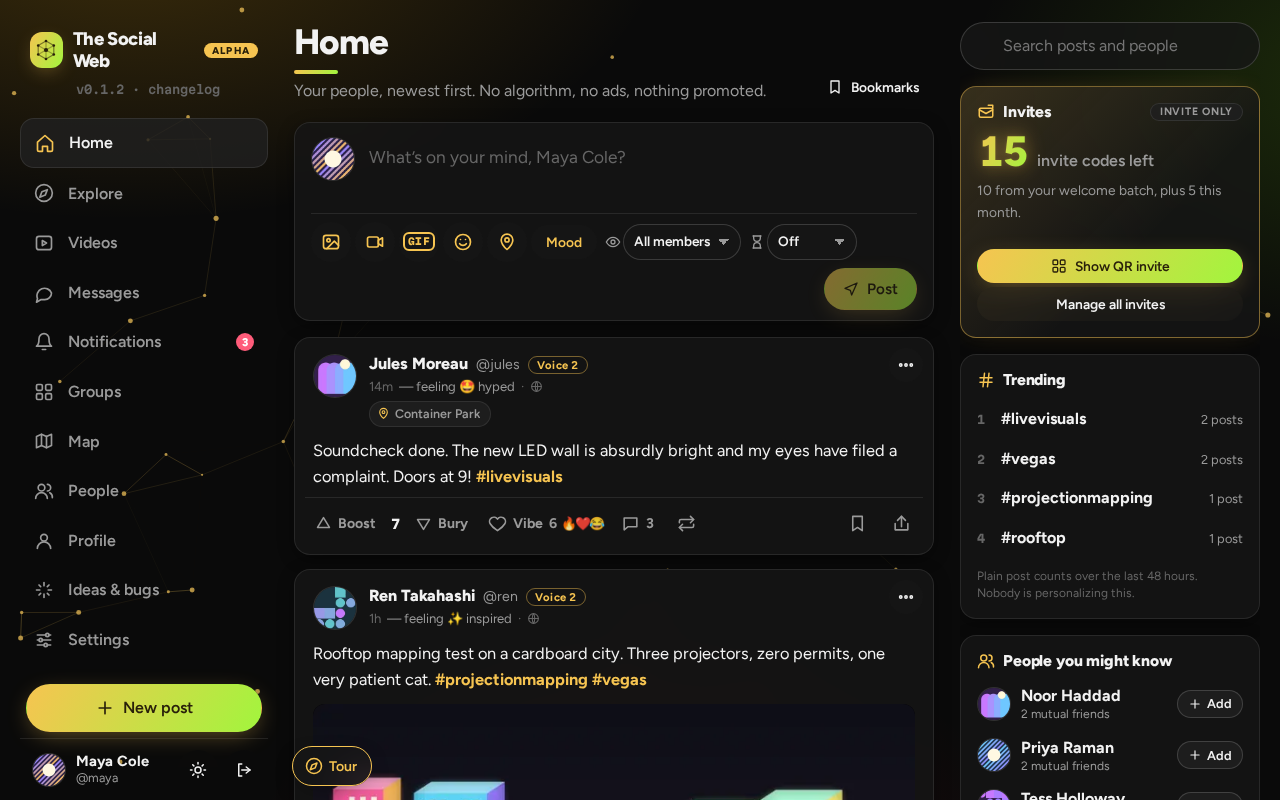
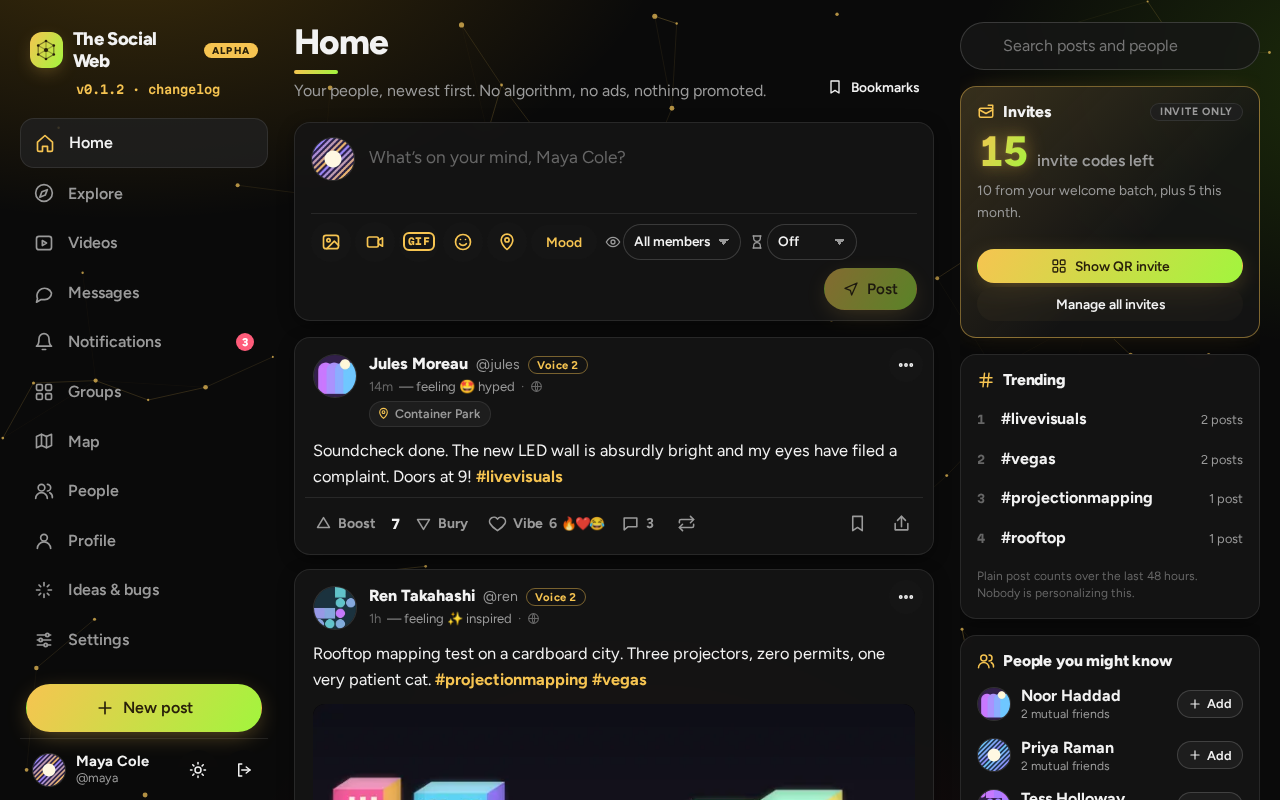
- The site shows its full version number (v0.1.2) next to the logo and in the phone menu.
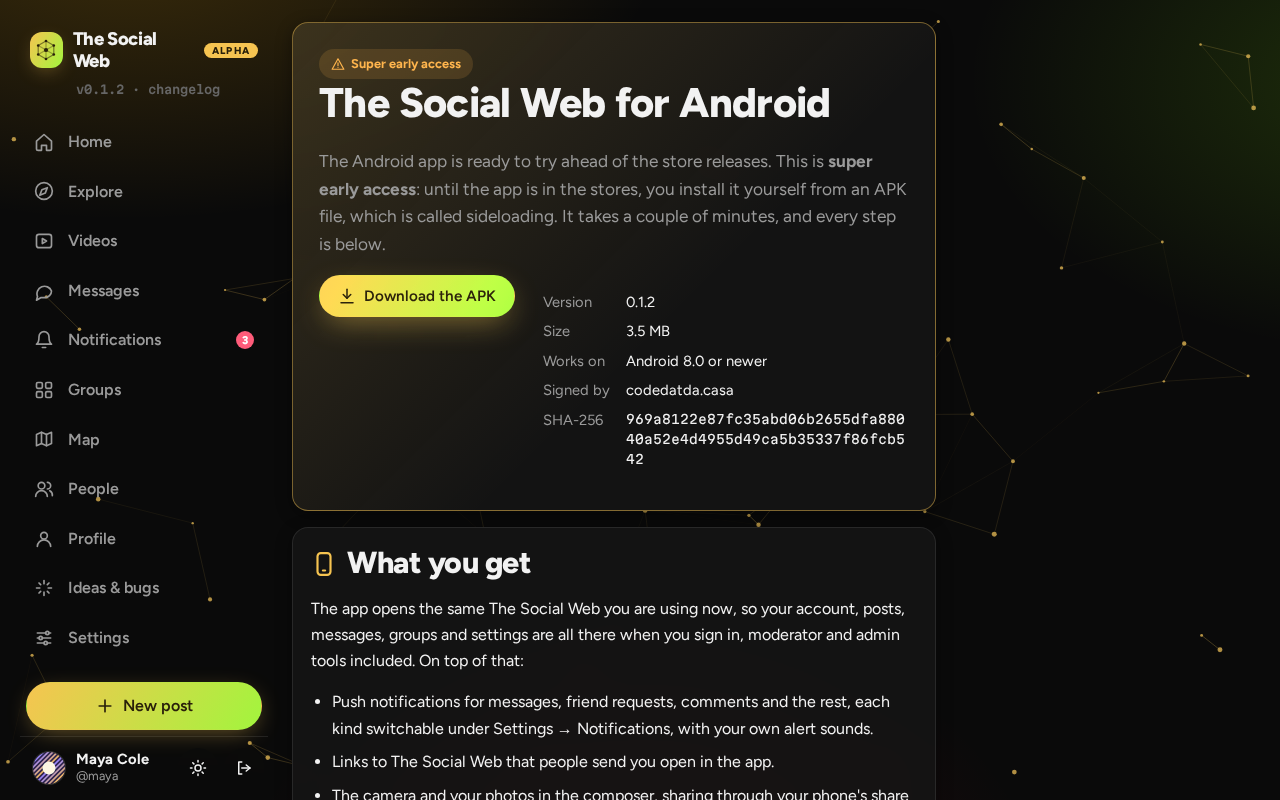
- The Android app as super early access: members can download the APK from /apps/android and sideload it; store releases follow.
Changed
- Spotlight tours no longer start on their own. Every section that has a tour shows a small Tour button; press it when you want the walkthrough. The Wellbeing switch now hides or shows that button.
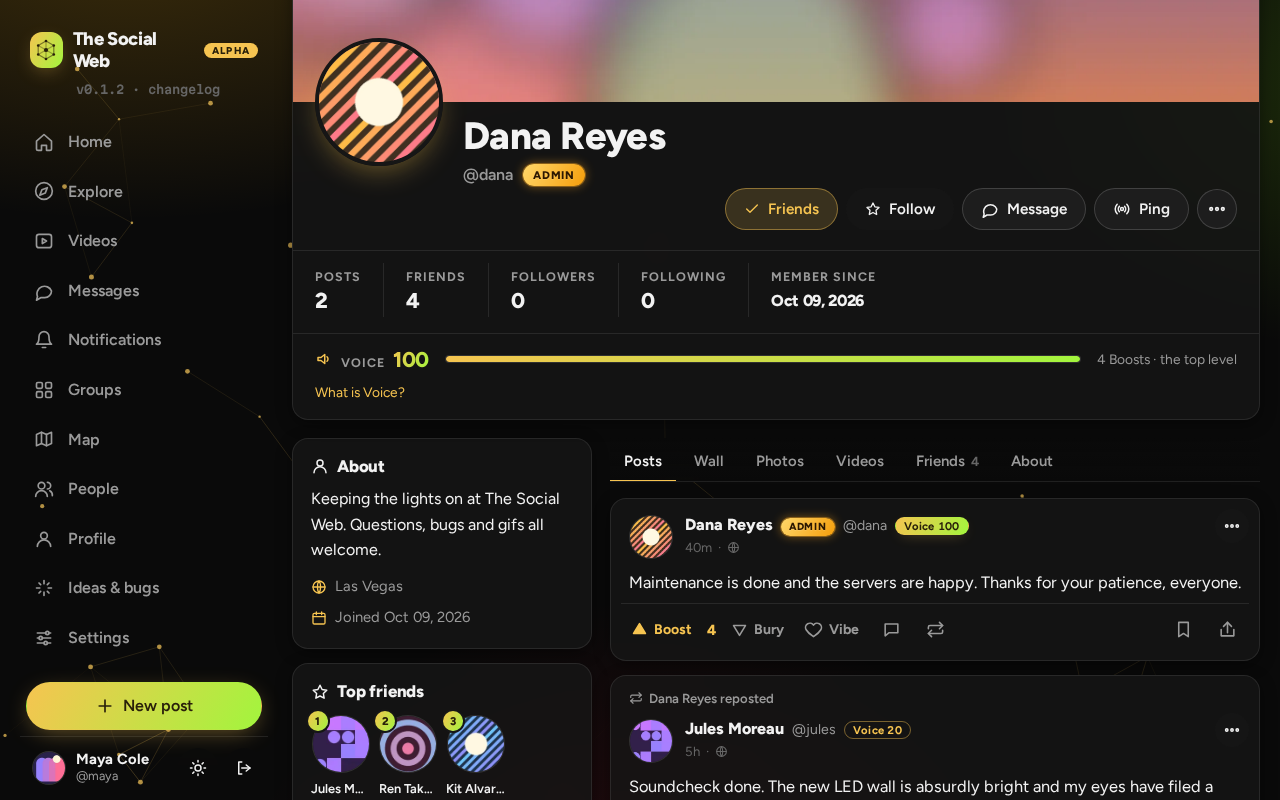
- Admins carry the top Voice level by default (an Admin → Settings switch; moderators are not included).
- The account that started The Social Web wears a Founder tag with its own animation instead of the "1st 100" tag.
v0.1.1 2026-10-09 Apps, push, places and Voice
Version 0.1.1 puts The Social Web on your phone, adds a map for meeting in person, and gives every member a Voice.
Added
- The Social Web for iOS and Android. Native apps that open the same site you already know, so everything works the same on your phone, moderator and admin tools included, and every new feature arrives the moment it ships. Links to the site open in the app, photos and the camera work from the composer, and the share sheet, haptics and the status bar follow your theme.
- Push notifications and sounds. Alerts for messages, friend requests, vibes, comments, mentions, groups, hangouts, pings and staff notices on your phone or in your browser, each kind switchable in Settings → Notifications. Alerts carry no names or text unless you turn previews on, and Quiet mode silences them all. Pick from an original set of sounds for messages and notifications, or paste a link to a sound of your own.
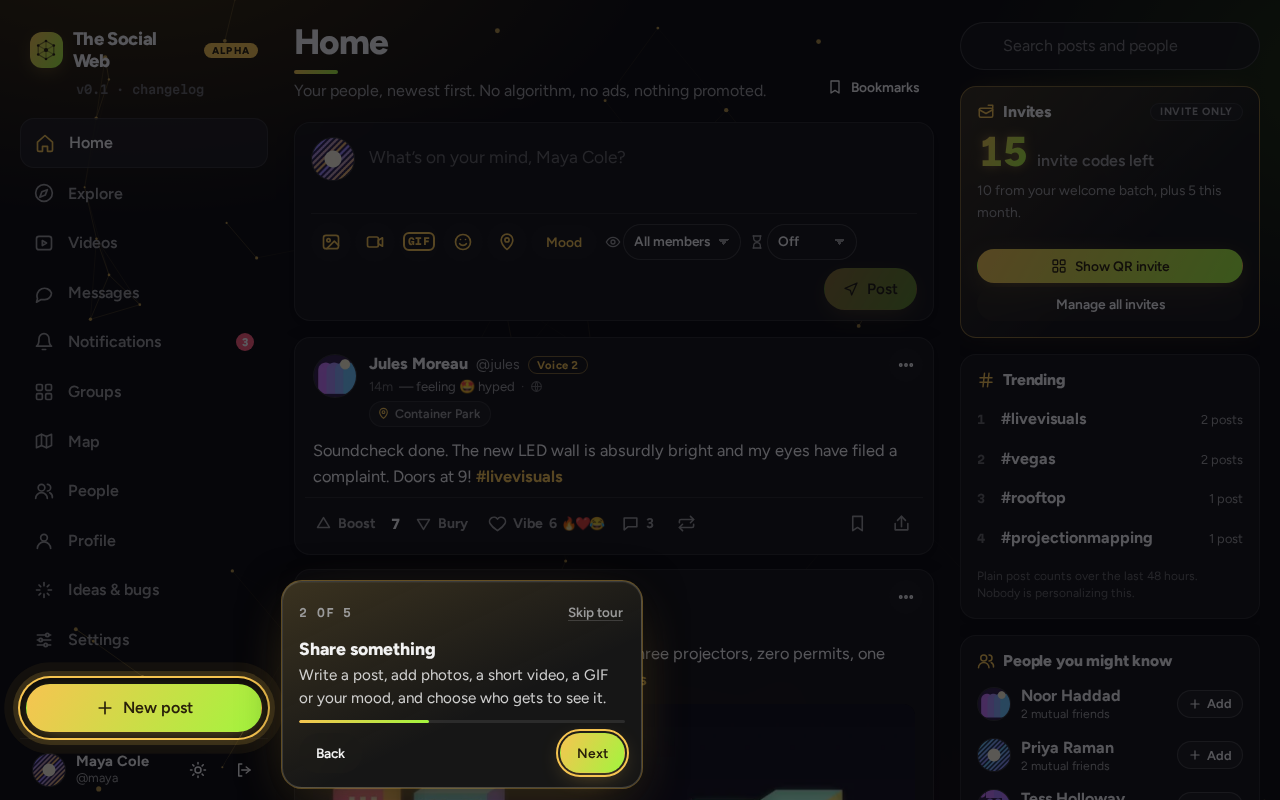
- Spotlight tours. The first time you visit a part of the site, a short tour lights up what is there and how to use it, including why Boosts and Vibes matter. Skip any tour, or turn them off under Settings → Wellbeing and bring them back any time.
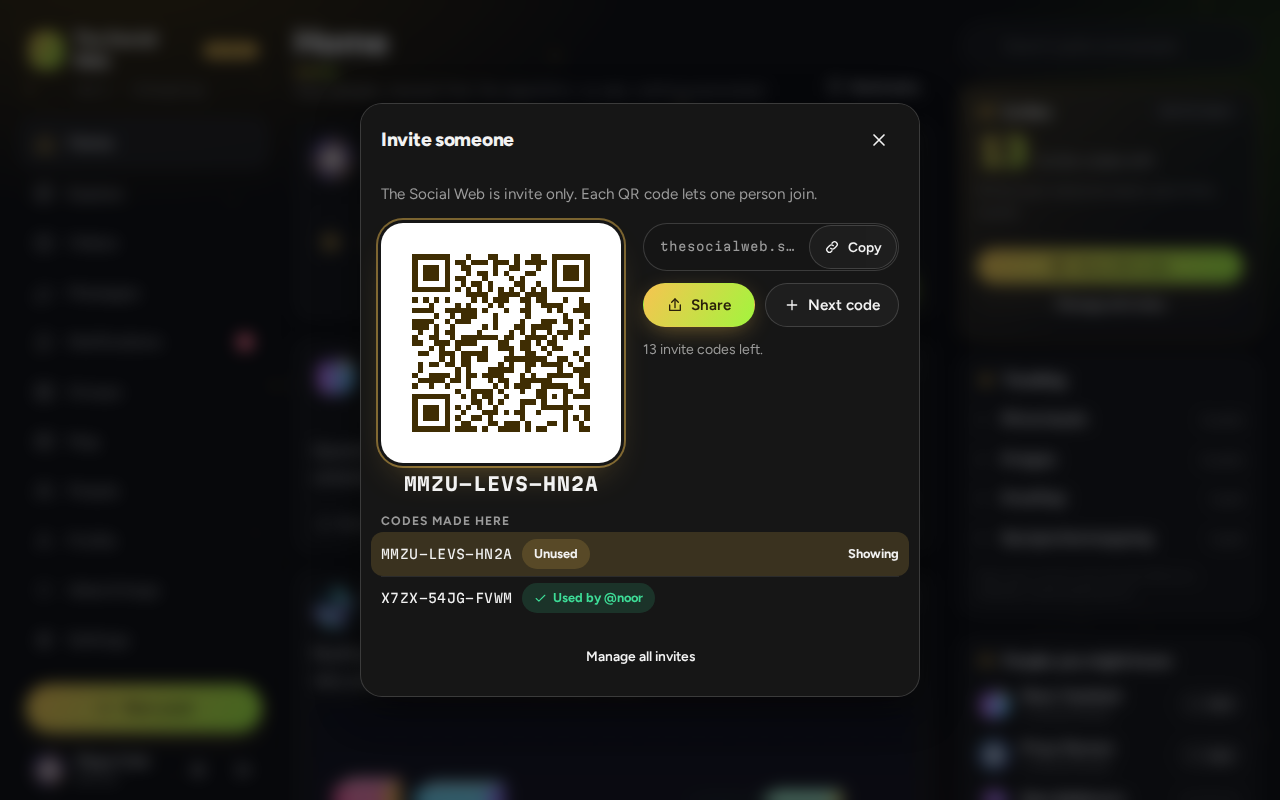
- Invite counter with QR codes. The Invites box on Home shows how many invites you have left and turns each one into a single-use QR code you can show, share by text, or copy. Everyone can see this is an invite-only place.
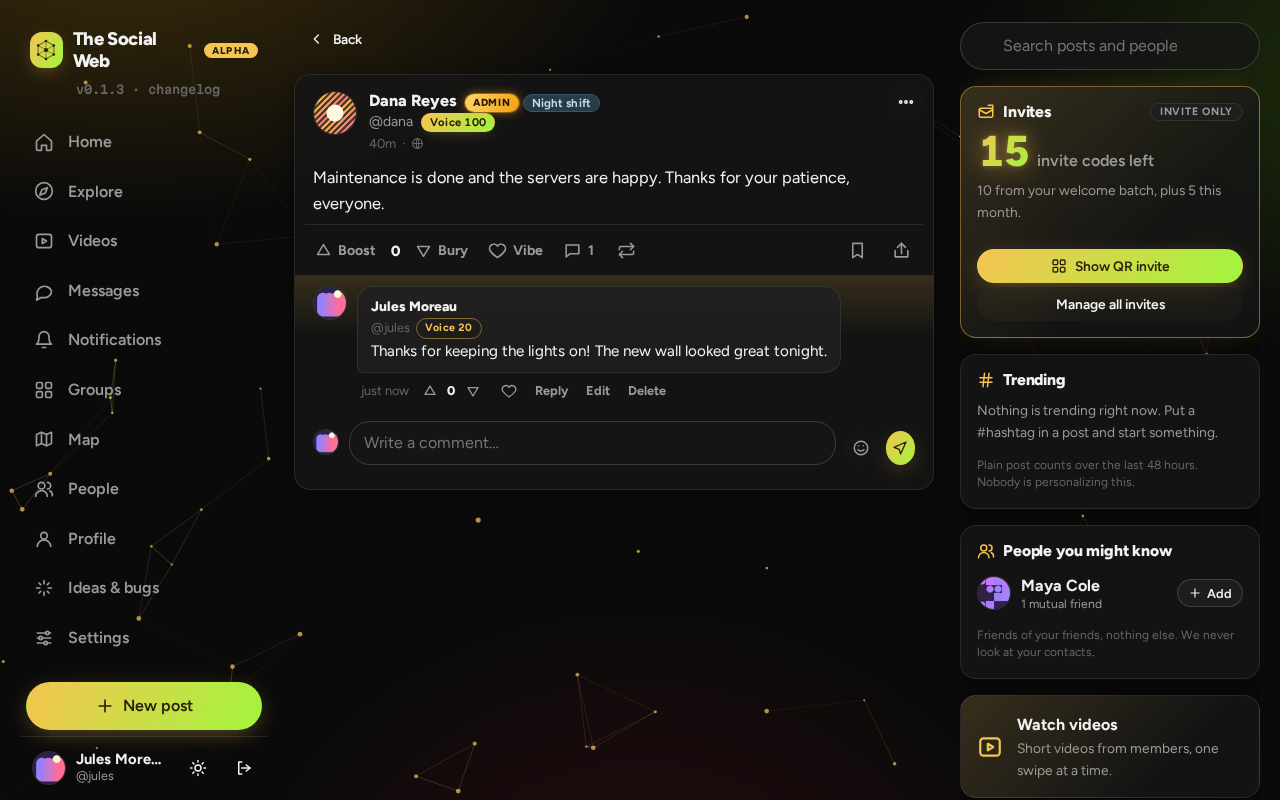
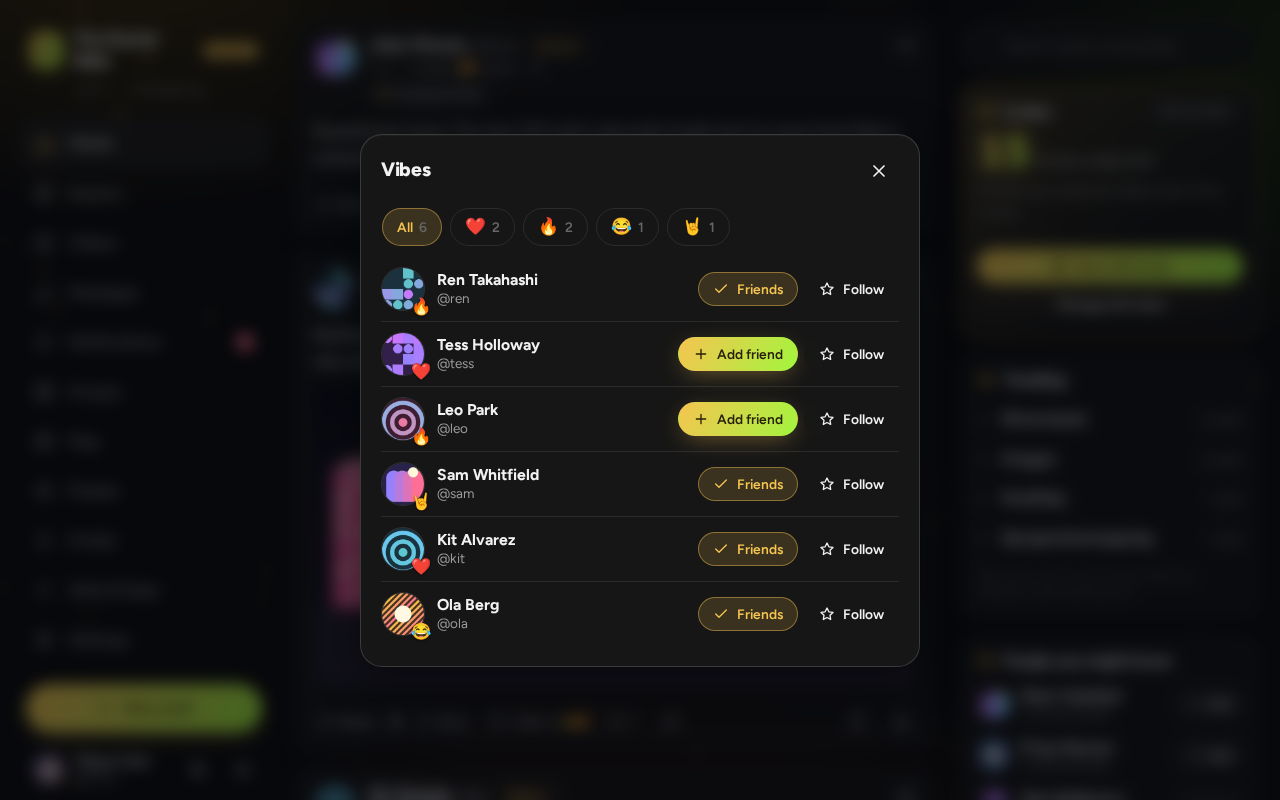
- Who vibed, and Vibes on comments. Tap the count on any post or comment to see everyone who vibed, filter by vibe, visit their profiles, and send a friend request right there. Comments take Vibes now too, and you can reply to any comment in a thread, with a "Replying to" chip that jumps to the one you answered.
- 24 new Vibes. Poop, robot, middle finger, eye roll, dead, applause, 100, hmm, mind blown, party, eyes, thank you, angry, melting, salute, heart eyes, nerd, alien, star, cool, crying, yikes, sparkles and hug join the original six in a scrolling grid.
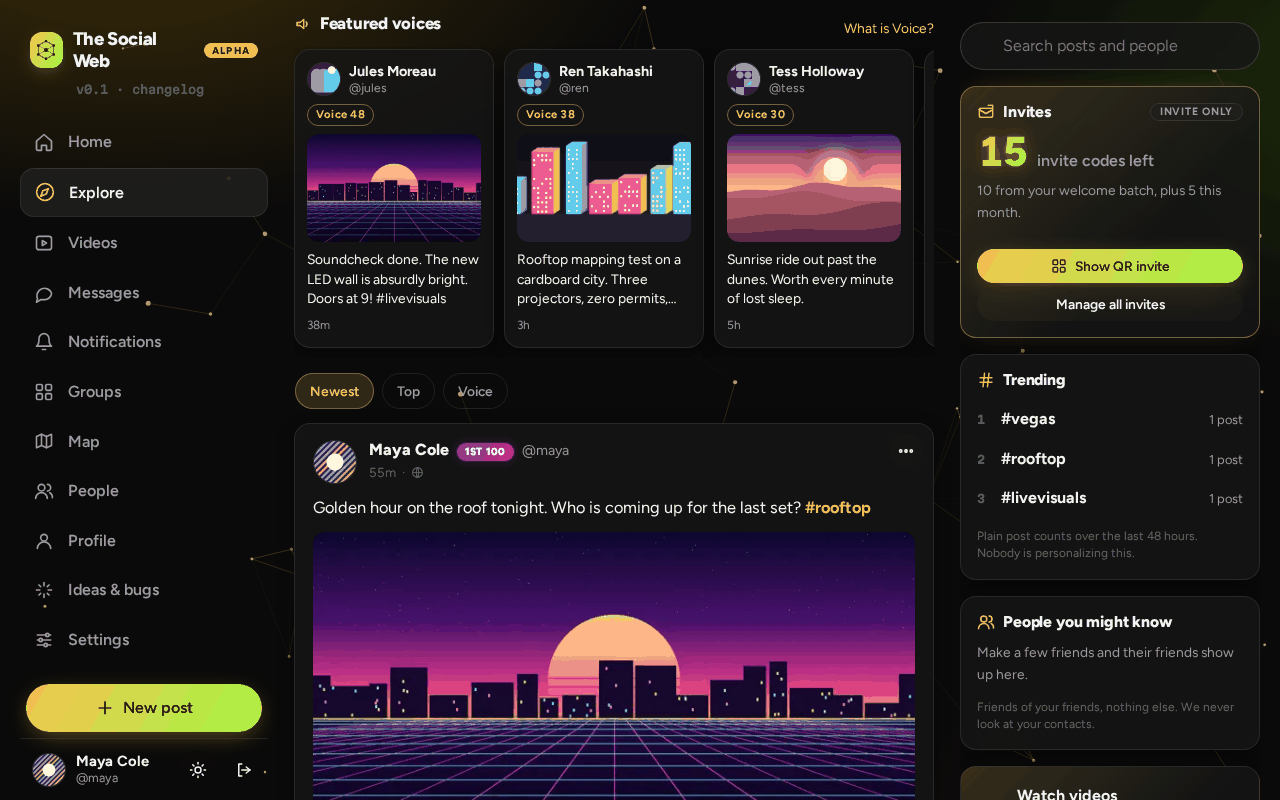
- Voice. Every Boost on a public post raises its author's Voice level. Higher Voice gets you featured in Explore (a Featured voices strip and a featured post every few posts), and Explore gains a Voice sort. Levels come fast at first and slow toward the top: level 100 is the cap for now. It is one plain score and the only ranking on the site.
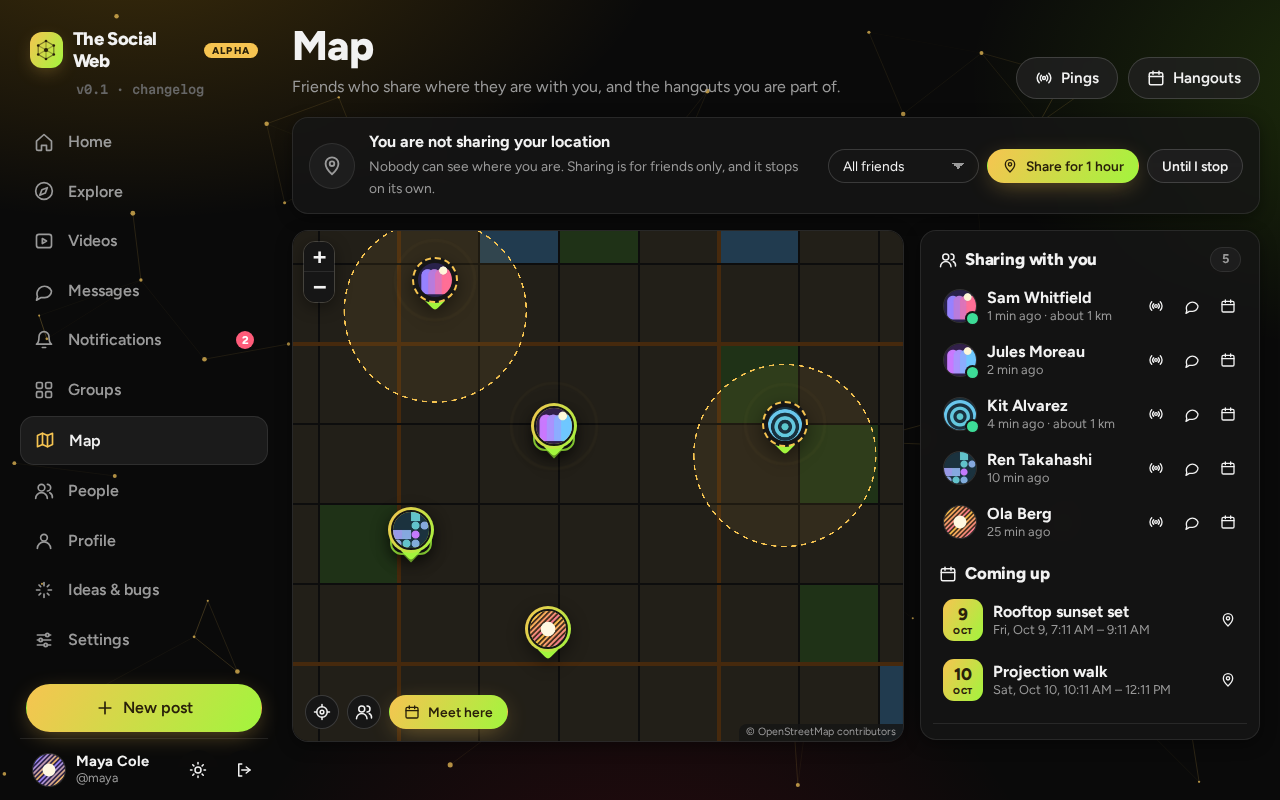
- Places and a friends map. Add an optional place to a post, with a name and a pin, and tap it to see the map. Share your location with all friends or a chosen few for an hour, until you stop, or in an approximate form, and see friends who share with you on the Map. Maps and place search go through our own server, so map providers only ever see us.
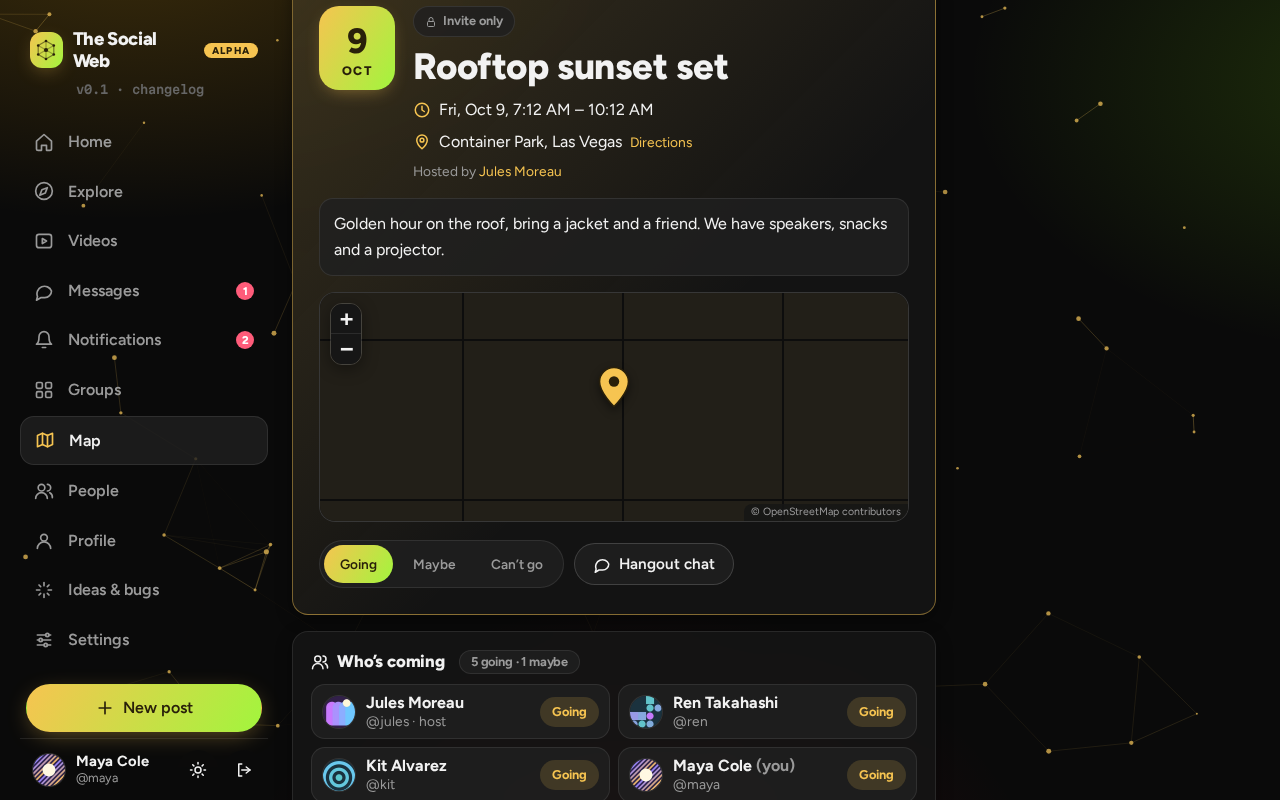
- Hangouts, pings and nearby friends. Plan a meetup with a place, a time and invites, collect RSVPs, check in when you arrive, and chat in the hangout's own group conversation. Ping a friend (plain ping, "where are you?", "let's meet"), and opt in to a quiet alert when a friend who shares with you is nearby.
- A warm welcome. Every new member gets a friend request and a short note from the person who started The Social Web, so your first friend is already waiting.
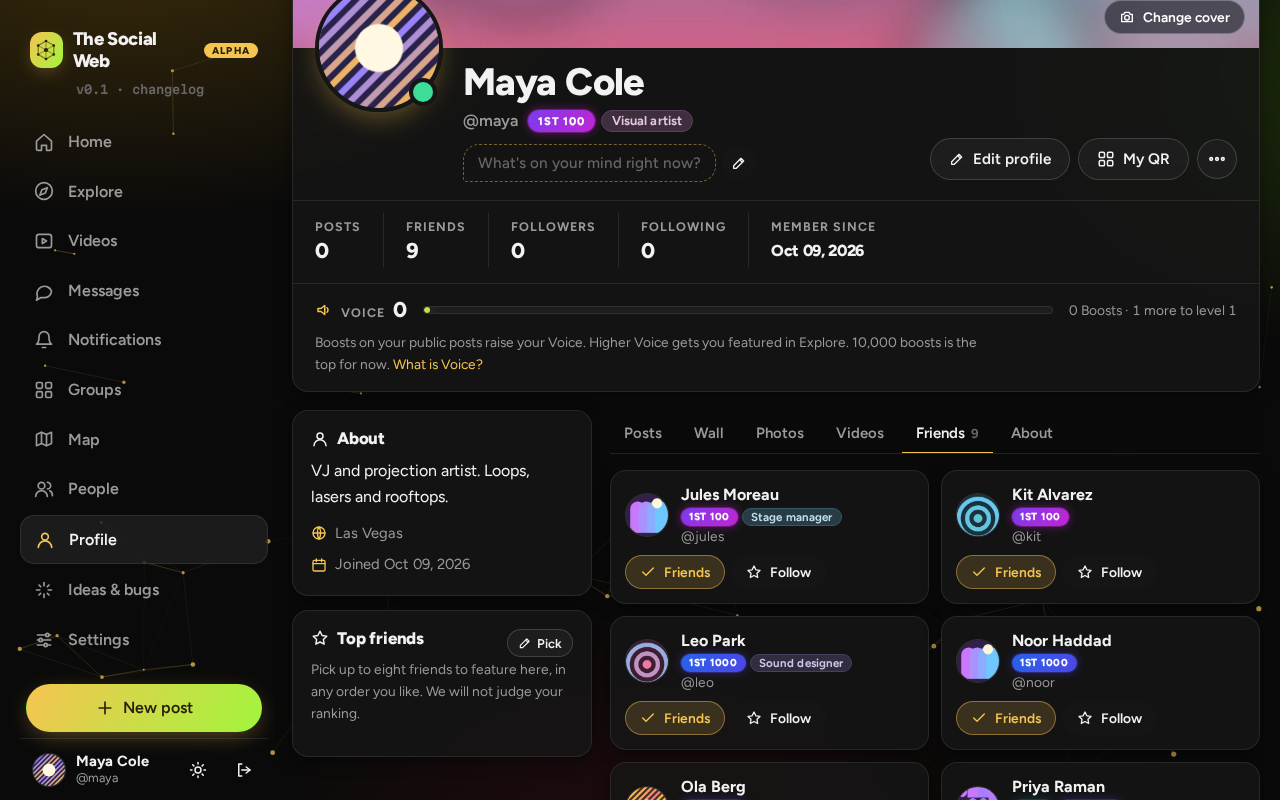
- Richer profiles. Add an optional real name, a headline, links, your work and school background, skills, interests and languages, and choose who sees each part.
- Privacy tools. Limit your whole profile to friends; choose who sees your real name, your friends list, your groups and your join date; decide who can send you friend requests, @mention you, comment on your posts, or repost and quote them; hide your name from vibe lists; mute members without blocking them; and post things that disappear after a day, a week or a month. All of it lives under Settings → Privacy and applies in the apps too.
- Tags. The first 100 members wear a "1st 100" tag and members 101 to 1,000 a "1st 1000" tag, next to the Admin and Mod tags, all with a subtle shimmer. Every member can add one calm-colored tag of their own, such as a job title. Founder tags can be hidden under Settings → Privacy.
- Per-group moderation tools. Group teams get a post-approval queue, up to three pinned posts, timed mutes, a rules check before the first post, reports to the team with a one-tap escalation to site moderators, a Team tab for roles, a group log, and a Moderation card in group settings.
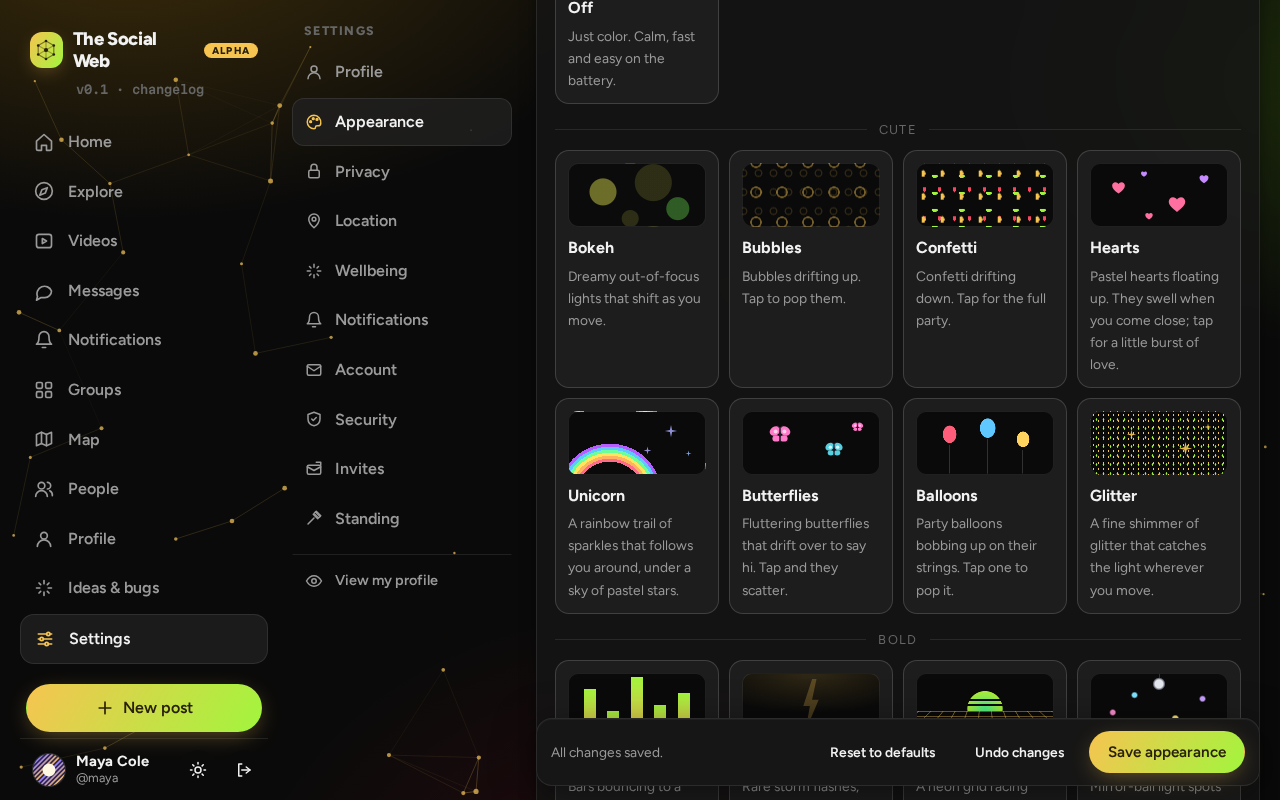
- 55 new backgrounds. 21 motion effects and 34 wallpapers, from hearts, unicorns and glitter to synthwave, psychedelic, kaleidoscope, leopard, carbon, marble and more, grouped into Cute, Bold, Trippy, Nature, Tech and Textures.
- A What's new window. After an update, a short window shows what changed, with screenshots, once for each member. Replay it any time from the changelog page.
- Cookie notice and privacy policy updates. A one-line notice for visitors (essential cookies only, nothing optional), a rewritten cookie page, a privacy policy with the legal basis for each purpose and your rights under the GDPR and UK GDPR, a public account-deletion page, and terms that cover members in the EEA and the UK.
Changed
- Explore features members by Voice; Home, profiles, groups and messages stay strictly newest first.
- The sign-in top bar no longer overflows on narrow phones.
- Other platforms are no longer named anywhere in the product copy.
Security
- Push payloads never carry names or content unless the member opts in, and the link in a push never names the other member either.
- Location data is the latest position only, deleted when sharing stops or after 24 hours, and never kept in a history.
- The server's own access log no longer records request paths, so map tiles, place searches and invite codes stay out of it.
v0.1.0 2026-10-09 Alpha launch
Added
- Invite-only accounts with email verification, two-factor authentication, recovery codes, bot checks on sign-in forms and password recovery.
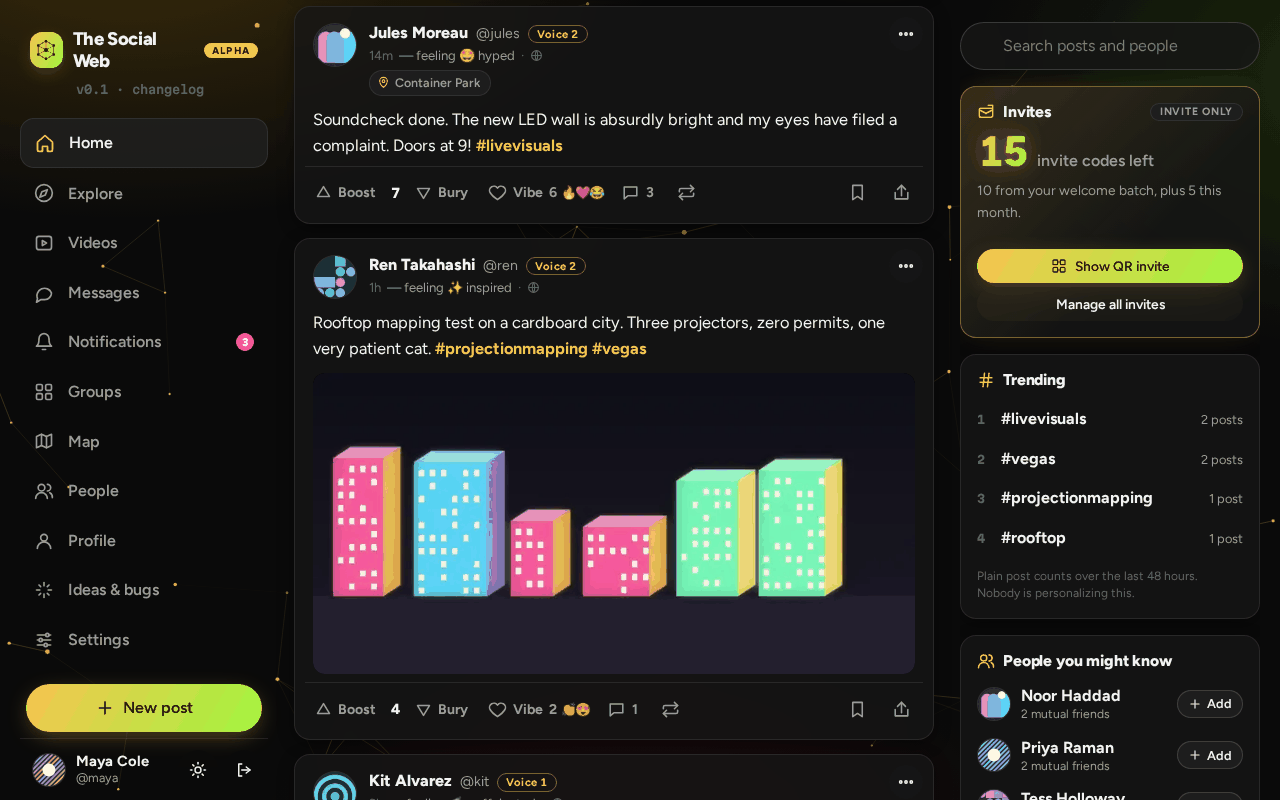
- Chronological Home, Explore and Videos feeds; posts with photos and short videos; comments, reposts, bookmarks, hashtags and search.
- Boost / Bury votes with a Signal score, six Vibe reactions, and an opt-in "Top" sort on Explore and comment threads.
- Friends, follows, blocks, Top 8, profile walls, and scan-to-add QR friend codes with an in-app scanner.
- Real-time direct messages and group chats with read markers and typing indicators.
- Profiles with themes: accent color, font pairings, motion backgrounds, wallpapers, and a separate look for visitors.
- Groups (open, closed, secret) and Pages for projects, bands and brands.
- Profile songs as links (direct audio or platform track pages) — nothing is hosted, nothing plays until you press play.
- Ideas & bugs board: public feature requests with votes and statuses, private bug reports with captured page and browser details.
- Moderation suite: reports, strikes, suspensions, appeals, legal holds, invite-tree containment; support tickets with privacy-request handling.
- Admin panel with every setting in the UI, invite batches, event log, media jobs and retention runs.
- Wellbeing controls: memories-type features off by default, quiet mode, muted words, hidden counts.
- Legal pages: Terms, Privacy, Community Guidelines, Copyright, Security, Law-enforcement guidelines.
- 18+ age gate at signup (neutral date-of-birth screen; the date is never stored) and an "under 18" report category.
- Phone photos (HEIC/HEIF) accepted for avatars, covers and posts; an alpha tag, version number and this changelog.
- Emoji picker, moods on posts, and GIFs in posts, messages and avatars (by upload or by link to a public GIF).
- Staff view of every group and page (hide, unhide, retire, restore), with retired groups purged after the content window.
Security
- Strict Content-Security-Policy, HSTS, encrypted 2FA secrets, metadata stripped from every photo, members-only media, legal-hold-safe retention.